Let's Animate - Krita: Rocket Mechanic (10 days)
By Ed Tadeo ·
Playing loads YouTube. YouTube will receive your IP address and device information.
Best free Comic Makers compared: Krita, MediBang Paint, GIMP, Inkscape and 2 more, with free-plan limits, platforms and prices from official pages checked October 23, 2026.
•3 min read•Graphic Design & Diagramming
| Tool | Price | Platforms | Best for | Tested |
|---|---|---|---|---|
| Krita | Free (Free and open source; optional donations, no paid tier) | Windows, macOS, Linux, Android | Drawing comic pages | Docs only |
| MediBang Paint | Free (Download is free; cloud features exist; a premium service adds exclusive brushes and materials with no price shown) | Windows, macOS, iOS, Android | Manga-style work across devices | Docs only |
| GIMP | Free (Free; source tarballs offered, donation link only, no paid tier. Store packages are third-party and not from the GIMP team) | Linux, macOS, Windows | Raster artwork and layouts | Docs only |
| Inkscape | Free (Free software under GPLv3; the site asks for donations and lists no paid tier) | Linux, macOS, Windows | Vector lettering and bubbles | Docs only |
| MyPaint | Free (Free to download; the page lists no price and offers a donate option) | Linux, macOS, Windows | Quick sketched panels | Docs only |
| Canva | Free (Free plan available; see the pricing page for its current limits) | Web, Windows, macOS, iOS, Android | Template-based layouts | Docs only |
Independent comparison. Paid placements are labelled separately; editorial links earn no affiliate commissions. Learn more.
Images from the linked documentation. Versions and features may differ from current plans.
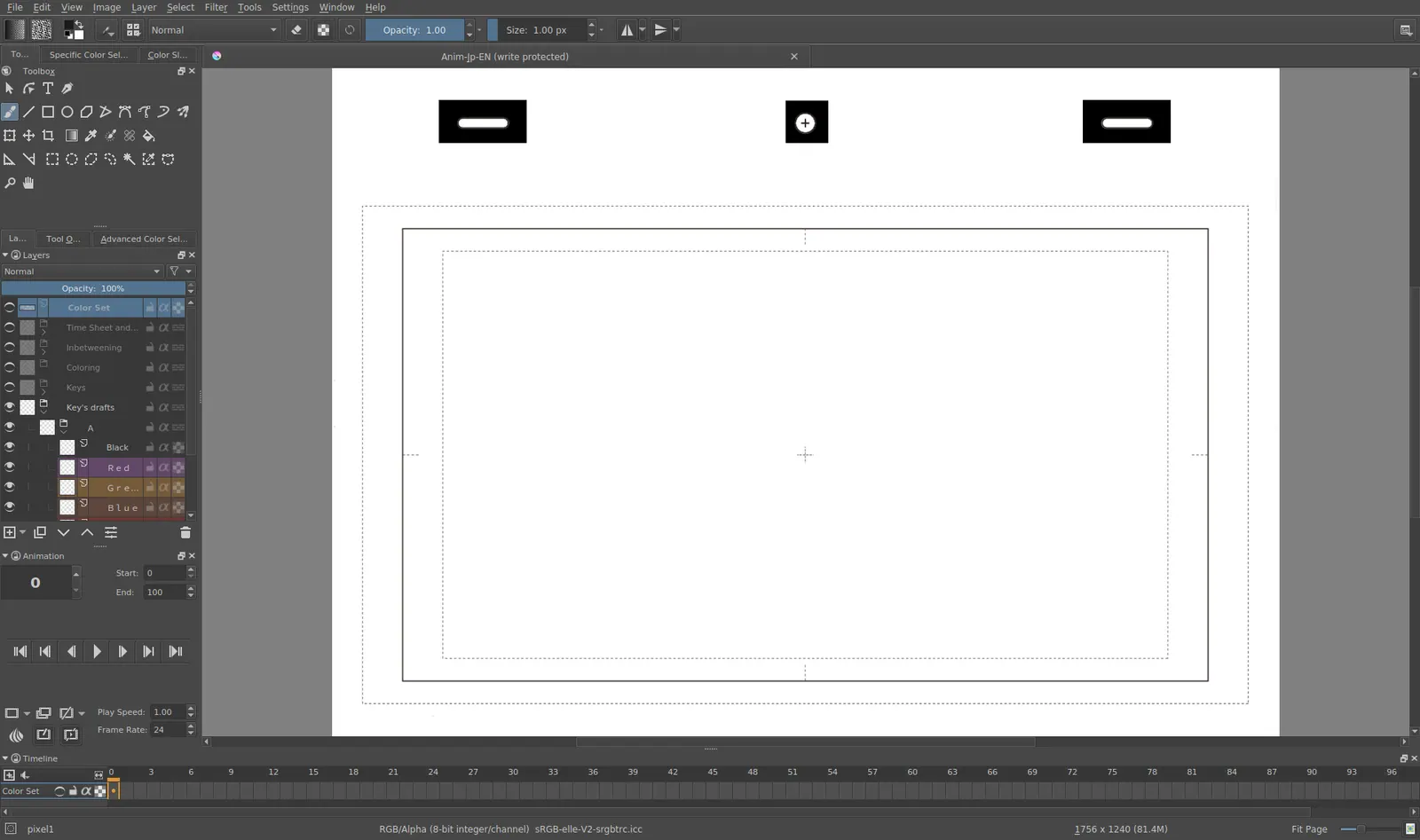
Krita 4.0 animation interface
Tyson Tan · Source · CC BY-SA 4.0
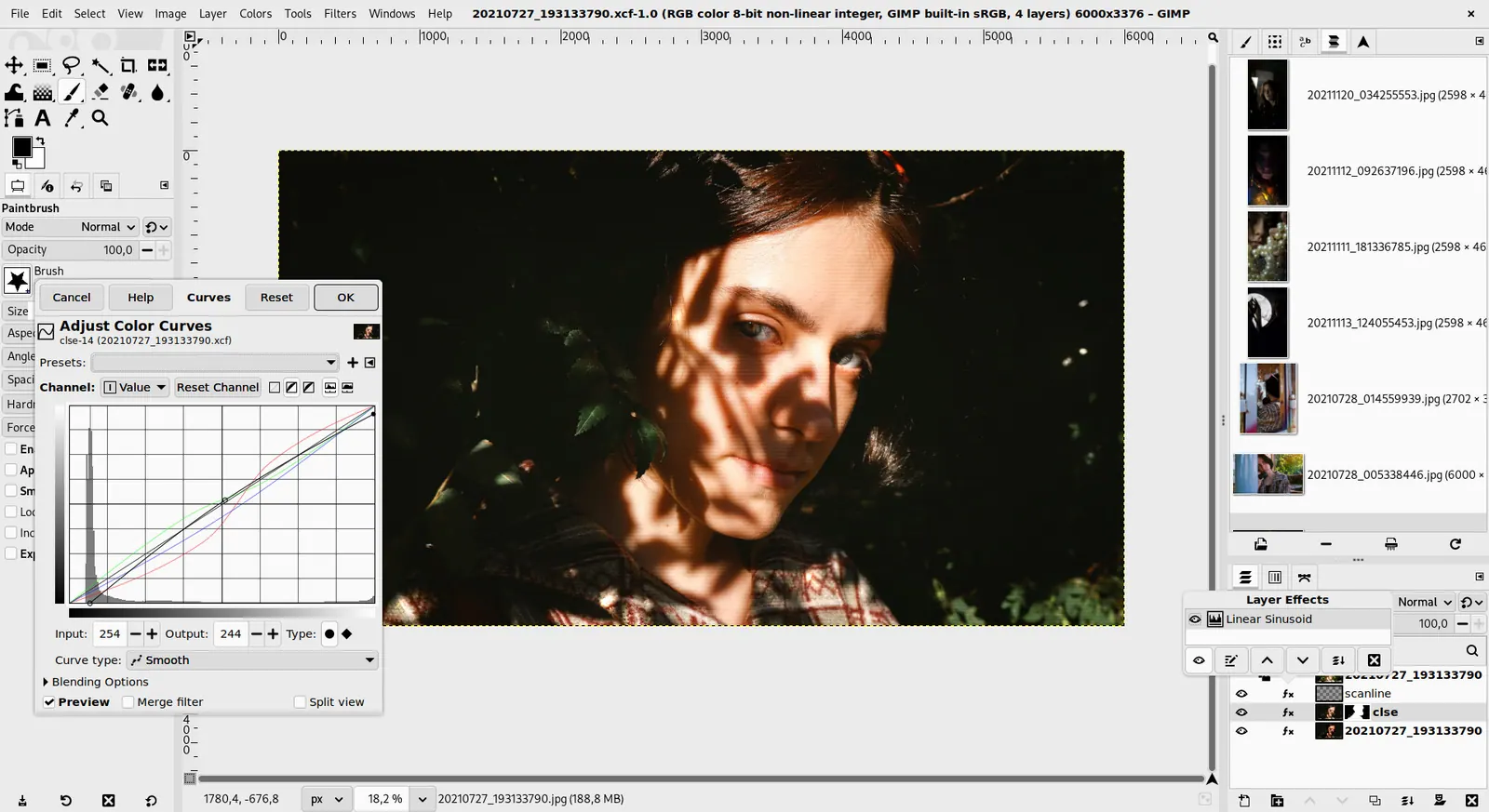
GIMP 3.0 — non-destructive filter workflow
GIMP team / gimp.org · Source · CC BY-SA 4.0
By Ed Tadeo ·
Playing loads YouTube. YouTube will receive your IP address and device information.
Making a comic means drawing panels, lettering speech and keeping pages consistent, and free tools cover only parts of that. Krita is the strongest free painting program for drawing the pages themselves, free and open source, and it supports animation if you later want to move panels. MediBang Paint is a free download for Windows, Mac, iPad, iPhone and Android and is marketed for digital painting and manga creation. GIMP and Inkscape are general-purpose editors: GIMP for raster artwork, Inkscape for clean vector lettering and speech bubbles. MyPaint is a lightweight painting program with no price listed. Canva helps if you want a layout from templates rather than drawing from scratch. None of these gives you a drag-and-drop comic builder with ready-made characters, so you will either draw yourself or assemble from photos and clip art. The trade-off is time versus control: general editors need you to set up panels by hand, and a template tool is faster but visually limited. Decide on page size and reading direction early, since converting later is tedious, and export a high-resolution copy of each page before sharing.
Free and open-source painting program for Windows, macOS, Linux and Android; no paid tier, donations only. Good for drawing full comic pages, with animation support.
Price: Free (Free and open source; optional donations, no paid tier) (Krita pricing, checked 2026-10-22).
Platforms and license: Windows, macOS, Linux, Android. GPL (open source).
Best for: Drawing comic pages.
Free download for Windows, Mac, iPad, iPhone and Android, marketed for digital painting and manga. A premium service exists with no price shown, and cloud features are offered.
Price: Free (Download is free; cloud features exist; a premium service adds exclusive brushes and materials with no price shown) (MediBang Paint pricing, checked 2026-10-23).
Platforms and license: Windows, macOS, iOS, Android. Proprietary.
Best for: Manga-style work across devices.
Free open-source raster editor for Linux, macOS and Windows with no paid tier. Flexible for panel layouts, but you build them yourself.
Price: Free (Free; source tarballs offered, donation link only, no paid tier. Store packages are third-party and not from the GIMP team) (GIMP pricing, checked 2026-10-22).
Platforms and license: Linux, macOS, Windows. Open source (license not named on gimp.org/downloads) (open source).
Best for: Raster artwork and layouts.
Worth knowing: Raster image editor for photo retouching and compositing.
Free GPLv3 vector editor for Linux, macOS and Windows. Clean scalable lettering and speech bubbles; not designed for painting.
Price: Free (Free software under GPLv3; the site asks for donations and lists no paid tier) (Inkscape pricing, checked 2026-10-22).
Platforms and license: Linux, macOS, Windows. GPL-3.0 (open source).
Project activity: 4.1k GitHub stars · No commits since Mar 3, 2022
Best for: Vector lettering and bubbles.
Worth knowing: SVG vector editor. The site links to the GPLv3 guide; the GPLv3 license name is taken from that link.
Lightweight painting program for Linux, macOS and Windows, free to download with a donate option. Simple brush-focused sketching.
Price: Free (Free to download; the page lists no price and offers a donate option) (MyPaint pricing, checked 2026-10-23).
Platforms and license: Linux, macOS, Windows. GPL-2.0 (open source).
Project activity: 3k GitHub stars · latest release v2.0.1 (May 29, 2020) · last commit Oct 20, 2026
Best for: Quick sketched panels.
Free plan exists; check its pricing page for current limits. Better for templated layouts than hand-drawn art.
Price: Free (Free plan available; see the pricing page for its current limits) (Canva pricing, checked 2026-10-22).
Platforms and license: Web, Windows, macOS, iOS, Android. Proprietary.
Best for: Template-based layouts.
Compare: Canva alternatives
Docs-only for Krita, MediBang Paint, GIMP, Inkscape, MyPaint, Canva: we did not install or run them, so feature claims come from vendor pages. Vendor prices and free limits change; confirm on the linked pricing page before you commit.
Kevin Fan is a SaaS founder. He runs Free Instead Of, which tracks free and open-source alternatives to paid software and checks each price and free-plan limit against the vendor's own pages.
Based on official pricing, license and product pages checked between 2026-10-22 and 2026-10-23: Krita, MediBang Paint, GIMP, Inkscape, MyPaint, Canva. Prices, free limits and licenses are the figures shown on those pages on those dates. No tool on this page was installed or run. No accounts were created.