Blender 5.2 LTS - Showcase Reel
By Blender ·
Playing loads YouTube. YouTube will receive your IP address and device information.
Best free Animation Software compared: Pencil2D, Synfig Studio, OpenToonz, Krita and 2 more, with free-plan limits, platforms and prices from official pages checked October 23, 2026.
•3 min read•Video Editing & AI Video
| Tool | Price | Platforms | Best for | Tested |
|---|---|---|---|---|
| Pencil2D | Free (Free and open source) | Windows, macOS, Linux, FreeBSD | First hand-drawn animations | Docs only |
| Synfig Studio | Free (Free and open source) | Windows, macOS, Linux | Vector animation with tweening | Docs only |
| OpenToonz | Free | Windows, macOS, Linux | Production-style 2D | Docs only |
| Krita | Free (Free and open source; optional donations, no paid tier) | Windows, macOS, Linux, Android | Painted frame-by-frame work | Docs only |
| Blender | Free (Free for any purpose, including commercial work) | Windows, macOS, Linux | 3D animation | Docs only |
| Animaker | Free (Free plan with animation tools, a limited selection of premium assets and watermarked exports; no numeric limits on the page) | Web | Template-based explainer clips | Docs only |
Independent comparison. Paid placements are labelled separately; editorial links earn no affiliate commissions. Learn more.
Images from the linked documentation. Versions and features may differ from current plans.
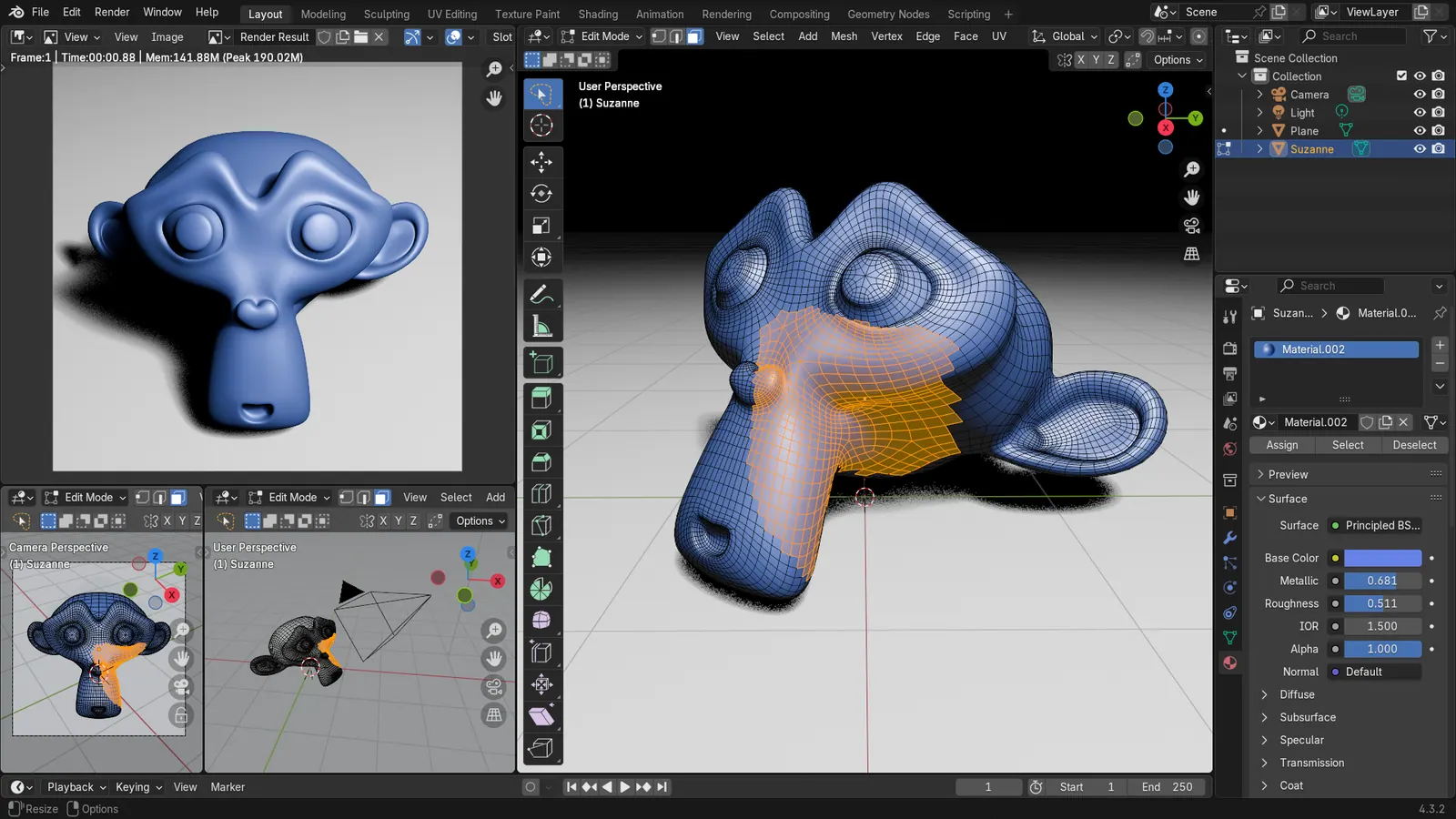
Blender 4.3.2 screenshot
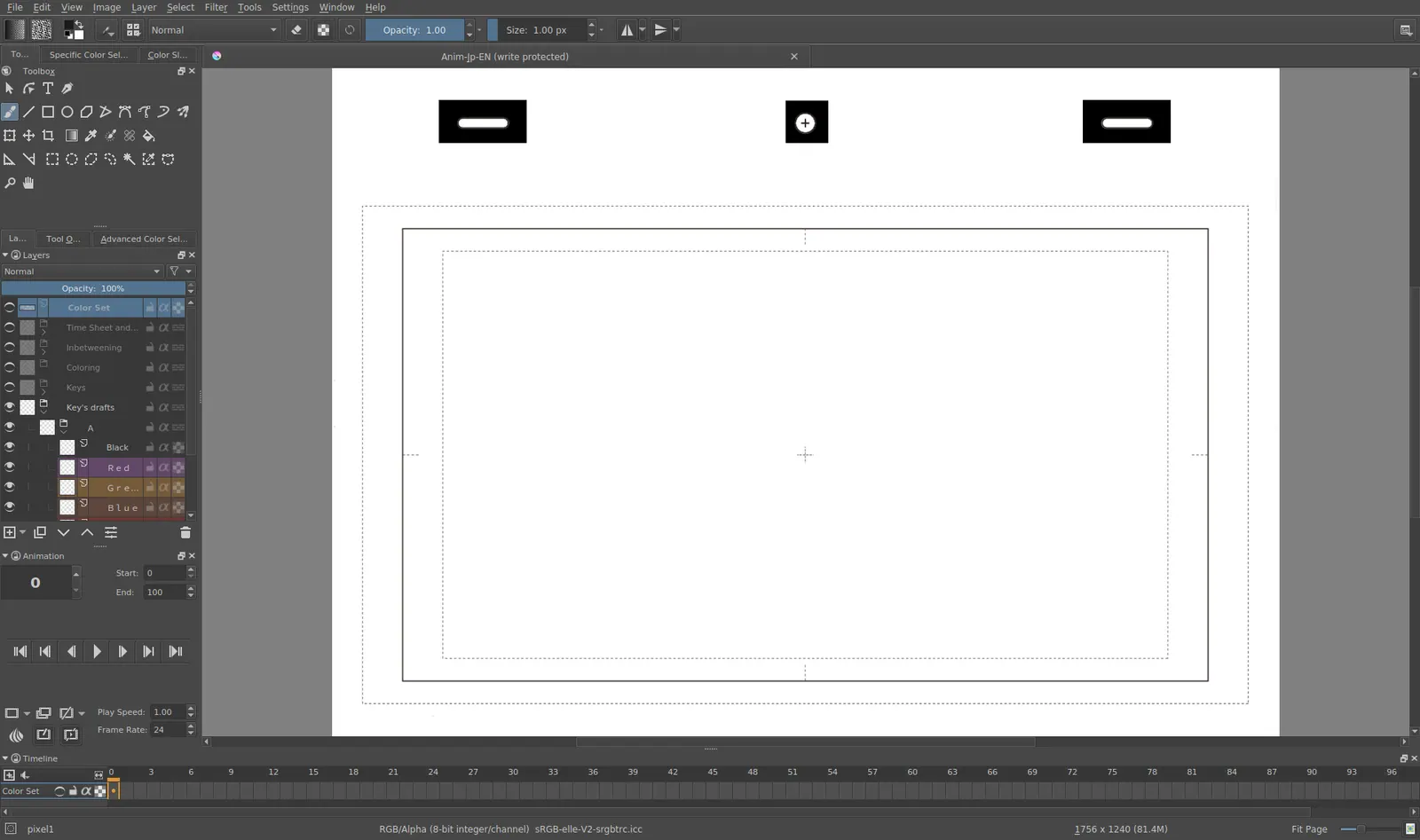
Krita 4.0 animation interface
Tyson Tan · Source · CC BY-SA 4.0
By Blender ·
Playing loads YouTube. YouTube will receive your IP address and device information.
Free animation software ranges from hand-drawn frame-by-frame programs to 3D suites to browser tools for explainer videos, and the right pick depends on which of those you mean. Pencil2D is the lightest way into traditional 2D, with bitmap and vector layers and no cost. Synfig Studio animates vector artwork with bones and tweening, and asks for a dual-core 2 GHz CPU and 2 GB of RAM. OpenToonz is a fuller 2D production tool under a modified BSD license. Krita is a painting program that also supports animation, a good fit if your frames are painted. Blender covers 3D modeling, rigging and animation and is free for any purpose, including commercial work, but it is a large program to learn. Animaker is the odd one, a web tool for explainer-style animations whose free plan includes watermarked exports. The trade-off is learning curve against speed to a finished clip: a template-driven web tool produces something in an hour but looks like everyone else's, while an open-source studio can produce anything and takes weeks to master. Decide first whether you want to draw, rig or assemble templates, then match the tool.
GPL-2.0 hand-drawn 2D animation with bitmap and vector layers for Windows, macOS, Linux and FreeBSD. Developed by volunteers, light and simple, with fewer tools than a production suite.
Price: Free (Free and open source) (Pencil2D pricing, checked 2026-10-22).
Platforms and license: Windows, macOS, Linux, FreeBSD. GPL-2.0 (open source).
Project activity: 1.8k GitHub stars · latest release v0.7.2 (Mar 13, 2026) · last commit Oct 26, 2026
Best for: First hand-drawn animations.
Worth knowing: Hand-drawn 2D animation with bitmap and vector layers, developed by volunteers.
GPL-3.0 2D animation using vector and bitmap artwork on Windows, macOS and Linux. Needs a dual-core 2 GHz CPU and 2 GB RAM.
Price: Free (Free and open source) (Synfig Studio pricing, checked 2026-10-22).
Platforms and license: Windows, macOS, Linux. GPL-3.0 (open source).
Best for: Vector animation with tweening.
Worth knowing: 2D animation with vector and bitmap artwork. Stated requirements: a dual-core 2 GHz CPU and 2 GB of RAM.
Modified BSD open-source full-featured 2D animation software for Windows, macOS and Linux. Third-party folders carry their own licenses.
Price: Free (OpenToonz pricing, checked 2026-10-23).
Platforms and license: Windows, macOS, Linux. Modified BSD (open source).
Project activity: 7.9k GitHub stars · latest release v1.8.0 (Jun 19, 2026) · last commit Oct 27, 2026
Best for: Production-style 2D.
Free and open source painting program with animation support; no paid tier and donations only. Best when you animate painted frames.
Price: Free (Free and open source; optional donations, no paid tier) (Krita pricing, checked 2026-10-22).
Platforms and license: Windows, macOS, Linux, Android. GPL (open source).
Best for: Painted frame-by-frame work.
GPL-3.0-or-later 3D suite free for any purpose including commercial work. Powerful but a big learning curve for simple cartoons.
Price: Free (Free for any purpose, including commercial work) (Blender pricing, checked 2026-10-22).
Platforms and license: Windows, macOS, Linux. GPL-3.0-or-later (open source).
Best for: 3D animation.
Worth knowing: Texture painting and baking are built in, with node-based shading; no layer stack with smart materials like Painter.
Compare: Blender alternatives
Web tool with a free plan that includes animation tools, a limited set of premium assets and watermarked exports. Paid prices conflicted on the page, so none is quoted.
Price: Free (Free plan with animation tools, a limited selection of premium assets and watermarked exports; no numeric limits on the page) (Animaker pricing, checked 2026-10-22).
Platforms and license: Web. Proprietary.
Best for: Template-based explainer clips.
Docs-only for Pencil2D, Synfig Studio, OpenToonz, Krita, Blender, Animaker: we did not install or run them, so feature claims come from vendor pages. Vendor prices and free limits change; confirm on the linked pricing page before you commit.
Kevin Fan is a SaaS founder. He runs Free Instead Of, which tracks free and open-source alternatives to paid software and checks each price and free-plan limit against the vendor's own pages.
Based on official pricing, license and product pages checked between 2026-10-22 and 2026-10-23: Pencil2D, Synfig Studio, OpenToonz, Krita, Blender, Animaker. Prices, free limits and licenses are the figures shown on those pages on those dates. No tool on this page was installed or run. No accounts were created.