Best Free Green Screen Software 2026: 6 Options Compared
Best free Green Screen Software compared: OBS Studio, Shotcut, Kdenlive, OpenShot and 2 more, with free-plan limits, platforms and prices from official pages checked October 28, 2026.
•3 min read•Video Editing & AI Video
Quick comparison
| Tool | Price | Platforms | Best for | Tested |
|---|---|---|---|---|
| OBS Studio | Free (open source, with no paid tier listed on its site) | Windows, macOS, Linux | Streamers and live presenters | Docs only |
| Shotcut | Free | Desktop | Editing green screen after recording | Docs only |
| Kdenlive | Free | Linux, Windows, macOS | Linux and Windows editors | Docs only |
| OpenShot | Free | Windows, macOS, Linux | Beginners with simple keys | Docs only |
| DaVinci Resolve | Free (Free version: 8-bit video up to Ultra HD 3840x2160 and 60fps, per the product page); paid from $236 per Studio licence (sale price on the product page; was $295) | Mac, Windows, Linux | Users who want pro-level control | Docs only |
| CapCut | Free (Free plan includes free templates and basic editing tools; the page gives no numeric limits); paid from $19.99 per month (Pro, monthly; $179.99 billed yearly) | Desktop, Mobile, Web | Fast keys for short social clips | Docs only |
Independent comparison. Paid placements are labelled separately; editorial links earn no affiliate commissions. Learn more.
See the tools in action
Images from the linked documentation. Versions and features may differ from current plans.
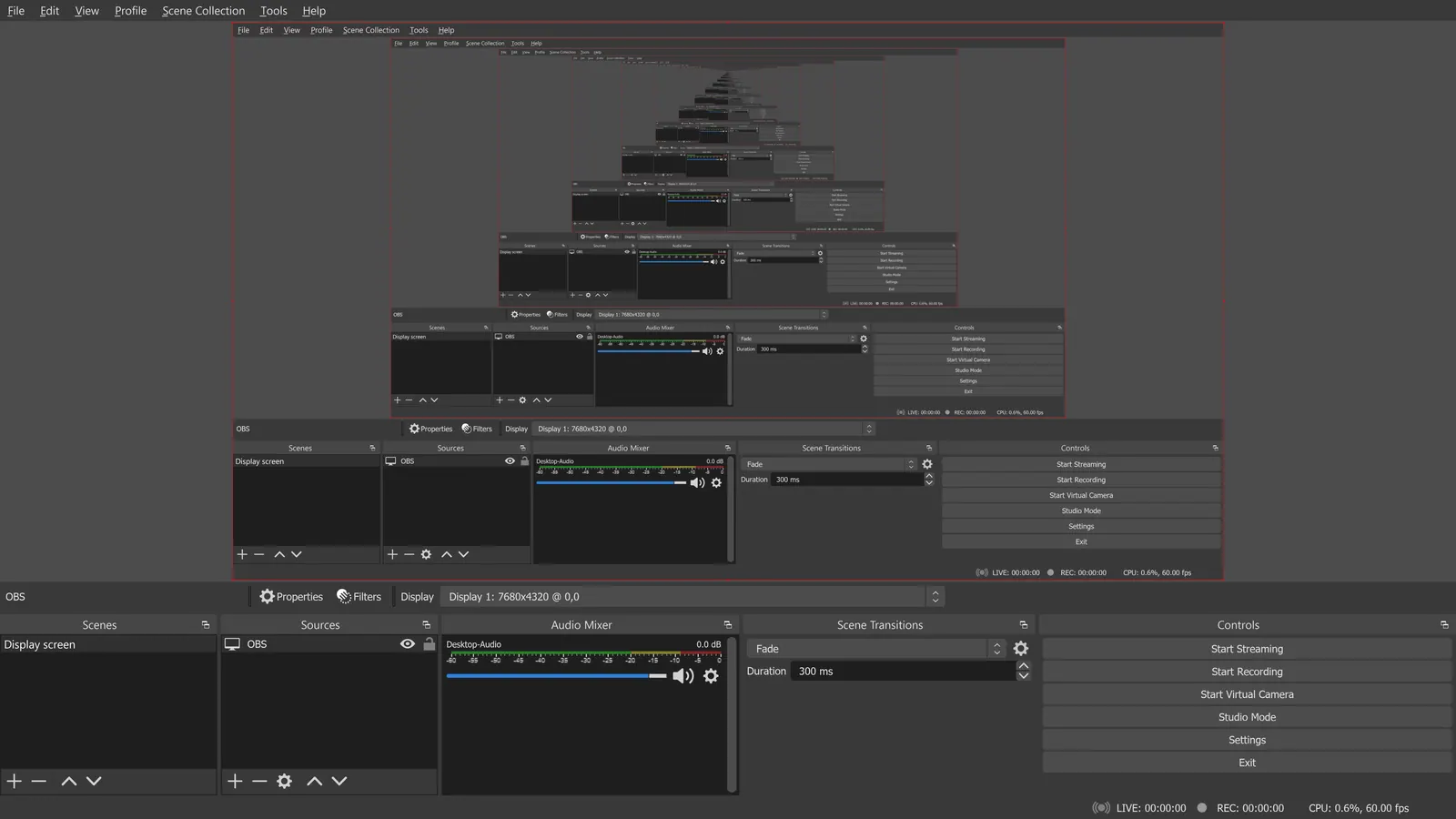
OBS 26.1 Screenshot EN 2020.12.27 - 15.28.46.07
Software by Hugh Bailey und andere Mitwirkende/Screenshot by PantheraLeo1359531 · Source · GPLv2
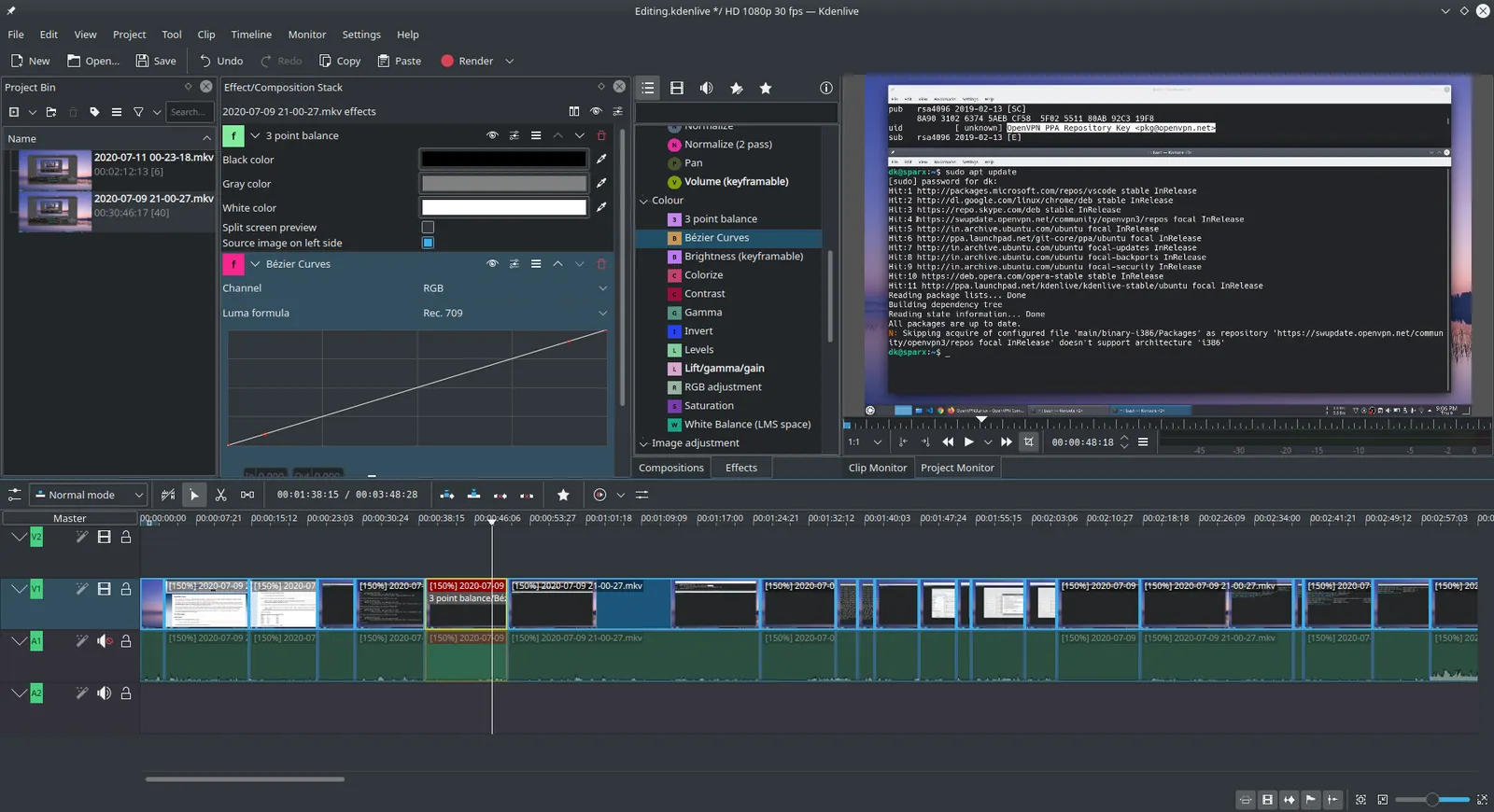
Kdenlive 20.04.1
Ddeepeshkumar · Source · CC BY-SA 4.0
Good fit if
- You are streaming and want the key live (OBS Studio is the pick)
- You are editing a recorded clip on a laptop (Shotcut is the pick)
- You want advanced spill control and Linux support (Kdenlive is the pick)
- You are a total beginner (OpenShot is the pick)
Not ideal if
- You need paid-tier features, uptime guarantees or support that these free plans leave out
Green screen removal is only as good as your footage, so the software choice matters less than people think. Even lighting on the backdrop, no wrinkles and a subject standing well away from the screen will make a basic key look clean in any editor; uneven light will fight every tool on this list. What differs is where the key happens and how much control you get. OBS Studio applies a chroma key filter live, which is the right choice for streaming or recording a presenter over a slide or game. Shotcut, Kdenlive and OpenShot are free desktop editors with a keying filter on the clip, so you can replace the background after recording. Shotcut and Kdenlive also include an advanced version and, in Shotcut's case, key spill filters to remove the green fringe. DaVinci Resolve has professional keying tools and a free version, but it is the heaviest download and the hardest to learn. CapCut gives the fastest path for short clips on a phone or desktop, with the usual question about what its free plan includes. Shoot a ten-second test before you commit to a session, and keep the source file untouched.
OBS Studio
Applies a Chroma Key filter live, with key colour, similarity and smoothness settings, on Windows, macOS and Linux. Best for streaming over a backdrop; recordings are keyed as you go, so you cannot redo it later.
Price: Free (open source, with no paid tier listed on its site) (OBS Studio pricing, checked 2026-10-22).
Platforms and license: Windows, macOS, Linux. GPL-2.0-or-later (open source).
Project activity: 78.4k GitHub stars · latest release 33.0.0 (Oct 23, 2026) · last commit Oct 27, 2026
Best for: Streamers and live presenters.
Worth knowing: OBS records on your machine; it has no remote guest recording.
Compare: OBS Studio alternatives
Shotcut
Free GPL-3.0 editor with Chroma Key: Simple and Advanced filters, plus Key Spill filters to reduce the colour halo. The Distance setting helps keep hair detail, but the keyer cannot rescue badly lit footage.
Price: Free (Shotcut pricing, checked 2026-10-23).
Platforms and license: Desktop. GPL-3.0 (open source).
Project activity: 15.5k GitHub stars · latest release v26.9.27 (Sep 28, 2026) · last commit Oct 27, 2026
Best for: Editing green screen after recording.
Kdenlive
Open-source editor with a Chroma Key effect (pick a colour, set variance) and an Advanced version for harder backgrounds. Users report green fringes on some footage, so light your screen evenly.
Price: Free (Kdenlive pricing, checked 2026-10-23).
Platforms and license: Linux, Windows, macOS. GPL-3.0 (open source).
Project activity: 6k GitHub stars · last commit Oct 27, 2026
Best for: Linux and Windows editors.
OpenShot
Lists a Chroma Key (Greenscreen) effect that replaces a colour with transparency. Free and open source with no watermark, and the simplest interface of the desktop editors here.
Price: Free (OpenShot pricing, checked 2026-10-23).
Platforms and license: Windows, macOS, Linux. GPL-3.0-or-later (open source).
Project activity: 6.7k GitHub stars · latest release v4.0.1 (Sep 27, 2026) · last commit Oct 27, 2026
Best for: Beginners with simple keys.
Worth knowing: Stated on its site as free and open source with no subscriptions, watermarks or project limits; no paid version mentioned.
DaVinci Resolve
Professional keying tools in a free version limited to 8-bit video up to Ultra HD and 60 fps. Powerful, but a large install and a long learning curve for a simple key.
Price: Free (Free version: 8-bit video up to Ultra HD 3840x2160 and 60fps, per the product page); paid from $236 per Studio licence (sale price on the product page; was $295) (DaVinci Resolve pricing, checked 2026-10-28).
Platforms and license: Mac, Windows, Linux. Proprietary (free version and Studio).
Best for: Users who want pro-level control.
Compare: DaVinci Resolve alternatives
CapCut
Chroma key is described by CapCut as a free tool with a library of backgrounds, on desktop and mobile. Whether every effect stays free changes, so check the current plan in the app.
Price: Free (Free plan includes free templates and basic editing tools; the page gives no numeric limits); paid from $19.99 per month (Pro, monthly; $179.99 billed yearly) (CapCut pricing, checked 2026-10-22).
Platforms and license: Desktop, Mobile, Web. Proprietary.
Best for: Fast keys for short social clips.
Compare: CapCut alternatives
Which one to pick
- You are streaming and want the key live: OBS Studio
- You are editing a recorded clip on a laptop: Shotcut
- You want advanced spill control and Linux support: Kdenlive
- You are a total beginner: OpenShot
Limits of this review
Docs-only for OBS Studio, Shotcut, Kdenlive, OpenShot, DaVinci Resolve, CapCut: we did not install or run them, so feature claims come from vendor pages. Vendor prices and free limits change; confirm on the linked pricing page before you commit.
Related guides
More in Video Editing & AI Video
All Video Editing & AI Video alternatives →Sources
Kevin Fan
Kevin Fan is a SaaS founder. He runs Free Instead Of, which tracks free and open-source alternatives to paid software and checks each price and free-plan limit against the vendor's own pages.
Methodology
Based on official pricing, license and product pages checked between 2026-10-22 and 2026-10-28: OBS Studio, Shotcut, Kdenlive, OpenShot, DaVinci Resolve, CapCut. Prices, free limits and licenses are the figures shown on those pages on those dates. No tool on this page was installed or run. No accounts were created.