Best Open-Source Screen Recorders 2026: 6 Options Compared
Best open-source Screen Recorders compared: OBS Studio, Cap, Screenity, vokoscreenNG and 2 more, with licenses, platforms and prices from official pages checked October 23, 2026.
•3 min read•Screen Recording & Streaming
Quick comparison
| Tool | Price | Platforms | Best for | Tested |
|---|---|---|---|---|
| OBS Studio | Free (open source, with no paid tier listed on its site) | Windows, macOS, Linux | Full-control recording and streaming | Docs only |
| Cap | Free (local recordings with no time limit; shareable cloud links up to 5 minutes); paid from $8.16 per user/month, billed annually ($12 billed monthly, Cap Pro) | macOS, Windows, Self-hosted | Quick recordings with optional sharing | Docs only |
| Screenity | Free (the Chrome extension, which its FAQ says stays free); paid from $10 per month (paid editor, with up to 1 hour per recording; $120 billed yearly) | Chrome | Fast browser walkthroughs | Docs only |
| vokoscreenNG | Free | Windows, Linux | Simple desktop recording on Windows and Linux | Docs only |
| ScreenToGif | Free | Windows | Short looping clips | Docs only |
| ShareX | Free | Windows | Windows power users | Docs only |
Independent comparison. Paid placements are labelled separately; editorial links earn no affiliate commissions. Learn more.
See the tools in action
Images from the linked documentation. Versions and features may differ from current plans.
Good fit if
- You need multi-scene recording or streaming (OBS Studio is the pick)
- You want a quick recording and a share link (Cap is the pick)
- You only record inside the browser (Screenity is the pick)
- You use Linux and want a plain window (vokoscreenNG is the pick)
- You need a short GIF of a bug (ScreenToGif is the pick)
Not ideal if
- You cannot host, patch and back up a server yourself and want a vendor to run it
Screen recorders fall into two camps: programs that save a file on your disk, and services that upload a shareable link. The open-source ones lean toward the first camp, which is why they suit tutorials, bug reports and anything you would rather not send to a cloud. OBS Studio is the standard and records or streams on Windows, macOS and Linux, but its scenes and sources take an evening to understand. Cap is closer to a quick-record tool with an optional share link, and it can be self-hosted. Screenity runs inside Chrome and needs no install, so it is the lowest-friction choice for a quick browser walkthrough. vokoscreenNG covers Windows and Linux with a plain window and audio mixing, ScreenToGif turns a selected area into a GIF or video on Windows, and ShareX bundles a recorder inside a large Windows capture toolkit. Pick by operating system first, since several of these are Windows-only or Linux-only, then by how much configuration you tolerate. The trade-off to expect is setup time against capability: a one-click recorder will not give you multi-scene layouts, and a full studio is more than most how-to clips require. Recordings made with these tools stay on your machine unless you choose to upload, which keeps private work private.
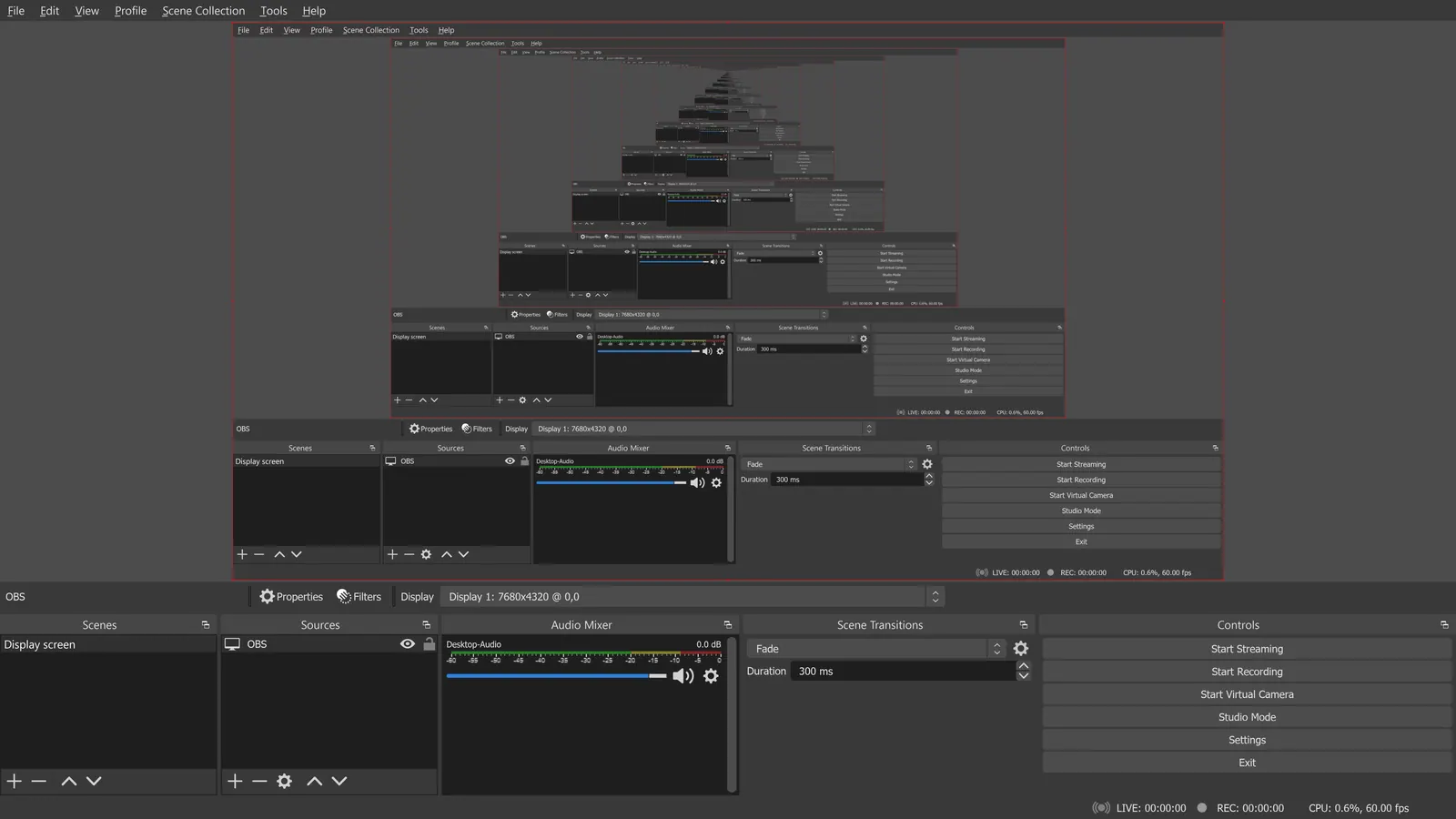
OBS Studio
GPL-2.0-or-later and free, with no paid tier listed. It records on your machine on Windows, macOS and Linux but has no remote guest recording, and the scene model has a learning curve.
Price: Free (open source, with no paid tier listed on its site) (OBS Studio pricing, checked 2026-10-22).
Platforms and license: Windows, macOS, Linux. GPL-2.0-or-later (open source) (license source).
Project activity: 78.4k GitHub stars · latest release 33.0.0 (Oct 23, 2026) · last commit Oct 27, 2026
Best for: Full-control recording and streaming.
Worth knowing: OBS records on your machine; it has no remote guest recording.
Compare: OBS Studio alternatives
Cap
AGPL-3.0 recorder for macOS and Windows that can be self-hosted. Local recordings have no time limit; cloud links are capped at 5 minutes on the free plan.
Price: Free (local recordings with no time limit; shareable cloud links up to 5 minutes); paid from $8.16 per user/month, billed annually ($12 billed monthly, Cap Pro) (Cap pricing, checked 2026-10-22).
Platforms and license: macOS, Windows, Self-hosted. AGPL-3.0 (open source) (license source).
Project activity: 23.9k GitHub stars · latest release cap-v0.6.1 (Oct 20, 2026) · last commit Oct 27, 2026
Best for: Quick recordings with optional sharing.
Screenity
GPL-3.0 Chrome extension, so it works wherever Chrome does. Free use stays available per its FAQ; the paid editor is $10 a month. Browser only.
Price: Free (the Chrome extension, which its FAQ says stays free); paid from $10 per month (paid editor, with up to 1 hour per recording; $120 billed yearly) (Screenity pricing, checked 2026-10-22).
Platforms and license: Chrome. GPL-3.0 (open source) (license source).
Project activity: 18.8k GitHub stars · latest release v4.7.2 (Oct 25, 2026) · last commit Oct 25, 2026
Best for: Fast browser walkthroughs.
vokoscreenNG
GPL-2.0 recorder for Windows and Linux capturing screen, area or window (window capture on Linux only) with multi-source audio and camera support.
Price: Free (vokoscreenNG pricing, checked 2026-10-23).
Platforms and license: Windows, Linux. GPL-2.0 (open source) (license source).
Project activity: 1.5k GitHub stars · latest release 4.11.0 (Oct 2, 2026) · last commit Oct 27, 2026
Best for: Simple desktop recording on Windows and Linux.
ScreenToGif
MS-PL recorder that captures a selected area and saves a GIF or video. Appears to be Windows only, needing the .NET 9 Desktop Runtime.
Price: Free (ScreenToGif pricing, checked 2026-10-23).
Platforms and license: Windows. MS-PL (open source) (license source).
Project activity: 27.9k GitHub stars · latest release 2.43.2 (Jul 28, 2026) · last commit Oct 14, 2026
Best for: Short looping clips.
ShareX
GPL-3.0 Windows tool that captures and records screen areas, edits images and uploads to many destinations. Windows only, with many options to sort through.
Price: Free (ShareX pricing, checked 2026-10-23).
Platforms and license: Windows. GPL-3.0 (open source) (license source).
Project activity: 40.5k GitHub stars · latest release v21.0.0 (Jul 3, 2026) · last commit Oct 27, 2026
Best for: Windows power users.
Which one to pick
- You need multi-scene recording or streaming: OBS Studio
- You want a quick recording and a share link: Cap
- You only record inside the browser: Screenity
- You use Linux and want a plain window: vokoscreenNG
- You need a short GIF of a bug: ScreenToGif
Limits of this review
Docs-only for OBS Studio, Cap, Screenity, vokoscreenNG, ScreenToGif, ShareX: we did not install or run them, so feature claims come from vendor pages. Vendor prices and free limits change; confirm on the linked pricing page before you commit.
Related guides
More in Screen Recording & Streaming
All Screen Recording & Streaming alternatives →Sources
Kevin Fan
Kevin Fan is a SaaS founder. He runs Free Instead Of, which tracks free and open-source alternatives to paid software and checks each price and free-plan limit against the vendor's own pages.
Methodology
Based on official pricing, license and product pages checked between 2026-10-22 and 2026-10-23: OBS Studio, Cap, Screenity, vokoscreenNG, ScreenToGif, ShareX. Prices, free limits and licenses are the figures shown on those pages on those dates. No tool on this page was installed or run. No accounts were created.