Best Free Webcam Software 2026: 6 Options Compared
Best free Webcam Software compared: OBS Studio, Streamlabs, Meld Studio, PRISM Live Studio and 2 more, with free-plan limits, platforms and prices from official pages checked October 25, 2026.
•3 min read•Screen Recording & Streaming
Quick comparison
| Tool | Price | Platforms | Best for | Tested |
|---|---|---|---|---|
| OBS Studio | Free (open source, with no paid tier listed on its site) | Windows, macOS, Linux | Full control over scenes and cameras | Docs only |
| Streamlabs | Free (Streamlabs Desktop is free and open source); paid from $15.75 per month (Ultra, listed as 'starts at') | Windows, macOS | Streamers who want built-in alerts | Docs only |
| Meld Studio | Free (Described on its FAQ as free with no watermarks, time limits or hidden fees; cloud multistreaming (Meld Multi) also free) | Windows, macOS | A friendlier OBS alternative | Docs only |
| PRISM Live Studio | Free (Free live streaming and recording software) | Windows, macOS | Multistreaming from a desktop | Docs only |
| Webcamoid | Free | Linux, macOS, Windows, Android, FreeBSD | Virtual camera and effects | Docs only |
| Loom | Free (Starter plan for up to 10 users with up to 25 recordings per person and a 5-minute screen recording limit); paid from $18 per user/month (Business, at the page's default view) | Web, Desktop app, Mobile app | Short face-and-screen messages | Docs only |
Independent comparison. Paid placements are labelled separately; editorial links earn no affiliate commissions. Learn more.
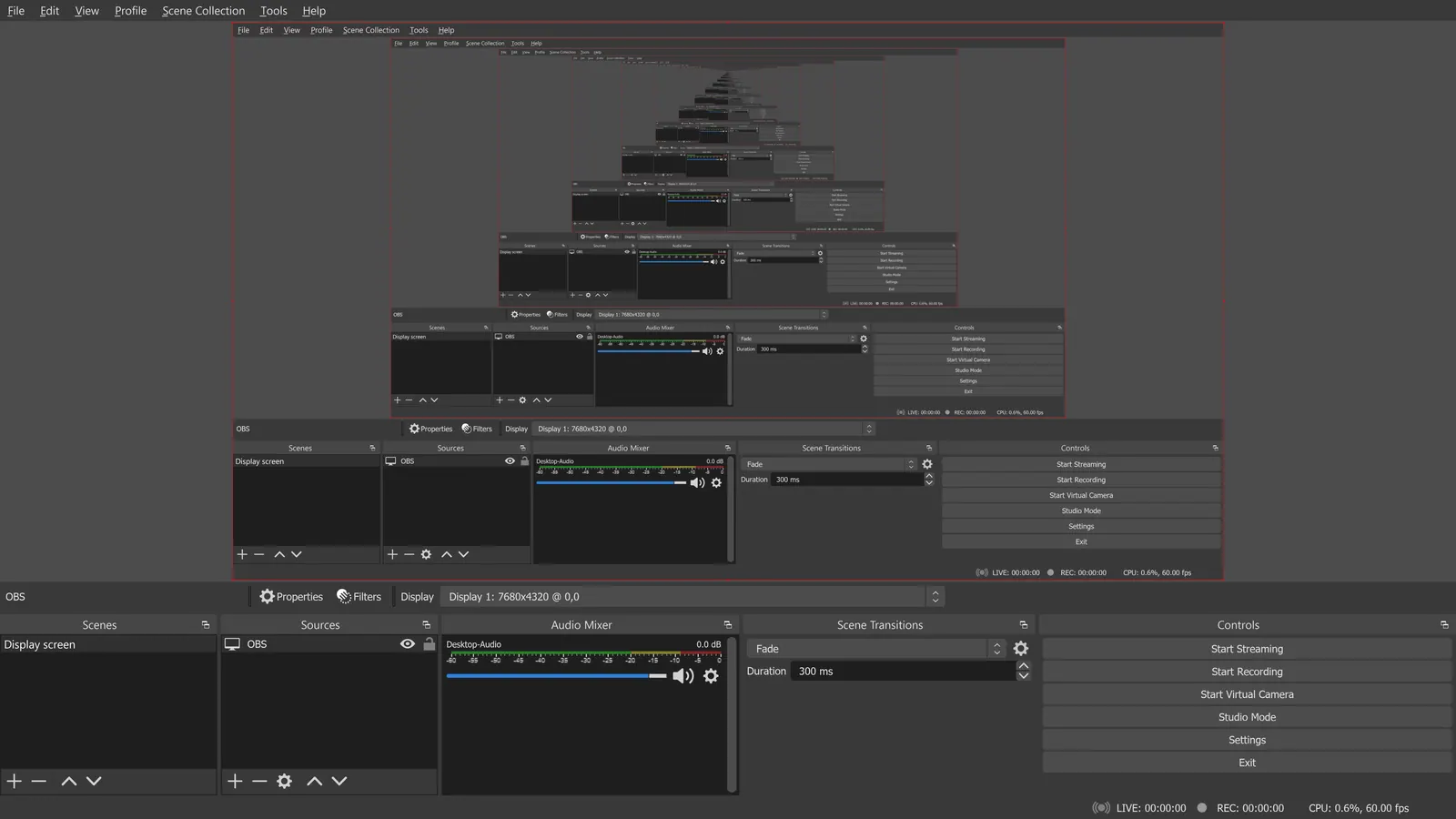
See the tools in action
Images from the linked documentation. Versions and features may differ from current plans.
Good fit if
- You want full control and no limits (OBS Studio is the pick)
- You want something easier than OBS (Meld Studio is the pick)
- You stream and want ready-made alerts (Streamlabs is the pick)
- You need a virtual camera on Linux (Webcamoid is the pick)
- You want a quick video message (Loom is the pick)
Not ideal if
- You need paid-tier features, uptime guarantees or support that these free plans leave out
Webcam software does one of three jobs: record yourself, stream yourself, or turn the camera into a virtual device other apps can use. Know which job you have before you install anything. For recording and streaming, OBS Studio and Streamlabs Desktop are free and open source, with OBS being the plainer of the two and Streamlabs adding an optional paid Ultra tier. Meld Studio is a newer free streaming and recording app with a friendlier layout and no watermark or time limit per its FAQ. PRISM Live Studio is free for streaming and recording on Windows and Apple Silicon Macs, so check the site for which features are free. Webcamoid is the open-source choice if you want filters and a virtual camera, and it also runs on Linux. Loom suits quick face-and-screen messages, but its free Starter plan caps screen recordings at five minutes. The trade-off is power against speed: OBS and Streamlabs can do almost anything and take time to set up, while Loom is ready in seconds and then stops you at the limit. If your only goal is a clean webcam feed in a meeting, check whether the meeting app already offers a built-in camera setting before adding a layer of software.
OBS Studio
GPL-2.0-or-later with no paid tier listed. Records on your machine across Windows, macOS and Linux; no remote guest recording. Steep setup, but nothing is locked.
Price: Free (open source, with no paid tier listed on its site) (OBS Studio pricing, checked 2026-10-22).
Platforms and license: Windows, macOS, Linux. GPL-2.0-or-later (open source).
Project activity: 78.4k GitHub stars · latest release 33.0.0 (Oct 23, 2026) · last commit Oct 27, 2026
Best for: Full control over scenes and cameras.
Worth knowing: OBS records on your machine; it has no remote guest recording.
Compare: OBS Studio alternatives
Streamlabs
Streamlabs Desktop is free and open source (GPL-3.0) for Windows and macOS; the Ultra subscription is $27 a month. Sold around streaming, so expect upsells.
Price: Free (Streamlabs Desktop is free and open source); paid from $15.75 per month (Ultra, listed as 'starts at') (Streamlabs pricing, checked 2026-10-25).
Platforms and license: Windows, macOS. GPL-3.0 (Streamlabs Desktop); Ultra is a paid subscription (open source).
Project activity: 4.9k GitHub stars · last commit Oct 27, 2026
Best for: Streamers who want built-in alerts.
Compare: Streamlabs alternatives
Meld Studio
Free per its FAQ with no watermarks, time limits or hidden fees, for Windows 10+ and macOS 12+. Records up to 4K with multitrack audio and streams to several platforms.
Price: Free (Described on its FAQ as free with no watermarks, time limits or hidden fees; cloud multistreaming (Meld Multi) also free) (Meld Studio pricing, checked 2026-10-22).
Platforms and license: Windows, macOS. Proprietary (license not stated on the page).
Best for: A friendlier OBS alternative.
PRISM Live Studio
Free live streaming and recording app for Windows 10/11 and Apple Silicon Macs. Check the site for which features are free; a Plus subscription is sold in the mobile app.
Price: Free (Free live streaming and recording software) (PRISM Live Studio pricing, checked 2026-10-22).
Platforms and license: Windows, macOS. Proprietary (license not stated on the page).
Best for: Multistreaming from a desktop.
Webcamoid
GPL-3.0 camera suite for Linux, macOS, Windows, Android and FreeBSD with virtual camera and streaming features. Open source and free, with a utilitarian interface.
Price: Free (Webcamoid pricing, checked 2026-10-23).
Platforms and license: Linux, macOS, Windows, Android, FreeBSD. GPL-3.0 (open source).
Project activity: 2.6k GitHub stars · latest release 9.4.0 (Jul 6, 2026) · last commit Oct 27, 2026
Best for: Virtual camera and effects.
Loom
Free Starter plan for up to 10 users with 25 recordings per person and a 5-minute screen recording limit. Fast to start, but the cap decides how long a message can run.
Price: Free (Starter plan for up to 10 users with up to 25 recordings per person and a 5-minute screen recording limit); paid from $18 per user/month (Business, at the page's default view) (Loom pricing, checked 2026-10-22).
Platforms and license: Web, Desktop app, Mobile app. Proprietary.
Best for: Short face-and-screen messages.
Compare: Loom alternatives
Which one to pick
- You want full control and no limits: OBS Studio
- You want something easier than OBS: Meld Studio
- You stream and want ready-made alerts: Streamlabs
- You need a virtual camera on Linux: Webcamoid
- You want a quick video message: Loom
Limits of this review
Docs-only for OBS Studio, Streamlabs, Meld Studio, PRISM Live Studio, Webcamoid, Loom: we did not install or run them, so feature claims come from vendor pages. Vendor prices and free limits change; confirm on the linked pricing page before you commit.
Related guides
More in Screen Recording & Streaming
All Screen Recording & Streaming alternatives →Sources
Kevin Fan
Kevin Fan is a SaaS founder. He runs Free Instead Of, which tracks free and open-source alternatives to paid software and checks each price and free-plan limit against the vendor's own pages.
Methodology
Based on official pricing, license and product pages checked between 2026-10-22 and 2026-10-25: OBS Studio, Streamlabs, Meld Studio, PRISM Live Studio, Webcamoid, Loom. Prices, free limits and licenses are the figures shown on those pages on those dates. No tool on this page was installed or run. No accounts were created.