LibreOffice 25.8: New features
By LibreOffice - The Document Foundation ·
Playing loads YouTube. YouTube will receive your IP address and device information.
Adobe Acrobat alternatives: PDF24 Tools, iLovePDF, Sejda, LibreOffice and 1 more. Prices and licenses checked October 25, 2026.
•3 min read•Legal, Contracts & E-signature
Verdict:Leave Acrobat if you pay $14.99 a month for Standard mostly to merge, split, compress or fix the odd typo. Most of that work needs no subscription. PDF24 is the first stop: it is free, runs in the browser or on Windows, and covers the common tools without a stated paid tier. iLovePDF and Sejda suit people who want a web tool that works without installing anything; both have free tiers with limits, and paid prices well under Acrobat's. LibreOffice Draw is worth trying for editing text inside a PDF without paying, though complex layouts may shift. Nitro PDF is the choice when a Windows office wants a desktop editor that feels like Acrobat but is not priced in the public page, so ask for a quote. The trade-off is depth. Acrobat has the mature form tools, redaction, accessibility checks and e-signature flow that the free options do not match, and Adobe still gives away Acrobat Reader for viewing. If you only read, annotate or sign occasionally, you can drop the subscription today. If your job is contracts, compliance or large scanned archives, keep Acrobat Pro or test a paid alternative against your own files first.
| Tool | Price | Platforms | Best for | Tested |
|---|---|---|---|---|
| PDF24 Tools | Free (Online PDF tools described on the page as 100% free; no paid plan or usage limit stated) | Web browser, Windows | Free everyday PDF edits | Docs only |
| iLovePDF | Free (Basic free plan: limited tools; batch limits per task such as 25 merges and 2 compressions; 100 MB merge file size; no AI credits; web only); paid from $5 per Premium, per month billed annually (US$60 per year; US$9 billed monthly) | Web browser | Quick online PDF jobs | Docs only |
| Sejda | Free (Free web service: 3 tasks per hour, documents up to 200 pages and 50 MB (tool pages quote 50 or 100 MB); no signup); paid from $63 per user/year (Desktop+Web annual); Web Week Pass is a one-time US$5 for 7 days | Windows, Web browser | Occasional edits with a cheap annual option | Docs only |
| LibreOffice | Free (download and use at no cost per its site) | Windows, macOS, Linux | Offline PDF text edits at no cost | Docs only |
| Nitro PDF | See pricing page | Windows, macOS, iOS | Windows teams that want a desktop editor | Docs only |
| PDF-XChange Editor | Free (Free version with 70% of features unrestricted (257 of 402 features per the page); limits are listed on a separate demo-limitations page); paid from $62 per one-time, single-user Editor, perpetual licence (includes one year of maintenance; Editor Plus from $79) | Windows | PDF editor | Docs only |
Independent comparison. Paid placements are labelled separately; editorial links earn no affiliate commissions. Learn more.
Images from the linked documentation. Versions and features may differ from current plans.
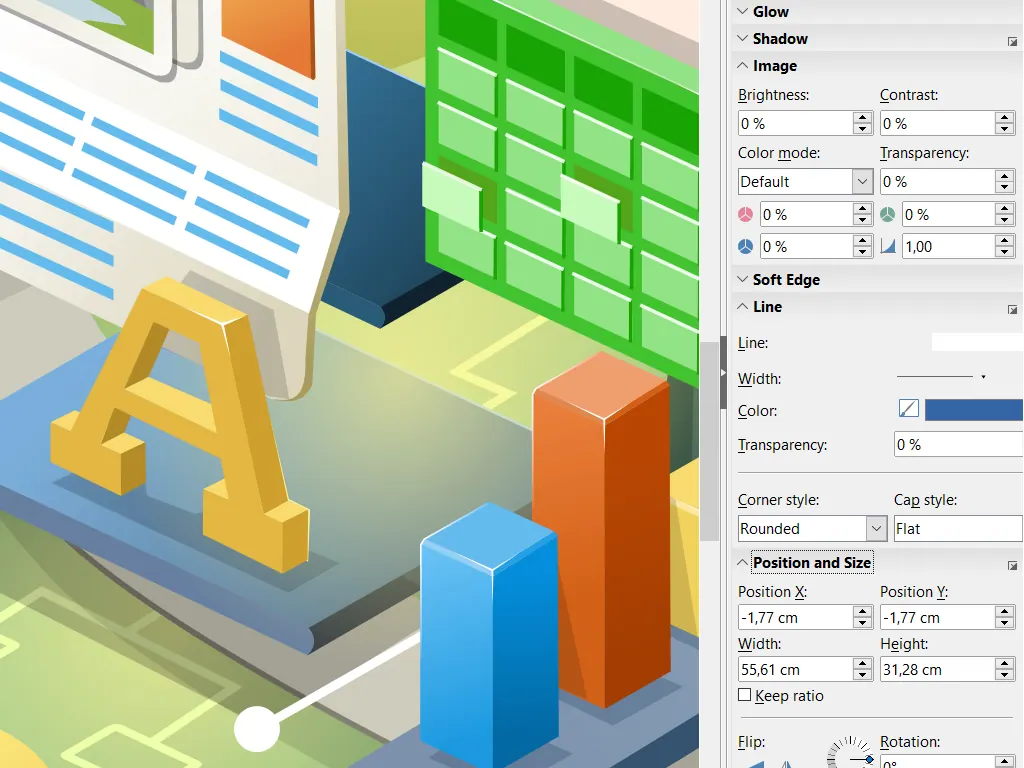
LibreOffice Draw — official interface example
The Document Foundation · Source · CC BY-SA 3.0
By LibreOffice - The Document Foundation ·
Playing loads YouTube. YouTube will receive your IP address and device information.
Adobe Acrobat today: Paid from $14.99 per month per license, Acrobat Standard on an annual plan billed monthly ($24.99 on monthly billing; Pro $19.99) (Adobe Acrobat pricing, checked 2026-10-23).
Acrobat is subscription-only, and the tiers split the features people expect. Adobe lists Standard at $14.99 a month on an annual plan billed monthly ($24.99 on monthly billing). Comparing PDF versions, OCR and redaction need Pro at $19.99, and the AI Assistant is Studio only at $24.99. On the annual plan billed monthly, a fee applies up to half your remaining annual commitment if you cancel after 14 days, and prepaid annual plans have no refund after 14 days. Only monthly billing cancels with no fee.
Compared with Adobe Acrobat: Free PDF tools described as 100% free with no paid plan stated, on the web and as a Windows app. It merges, splits and compresses well, but you lose Acrobat's polished form building and e-sign workflow.
Price: Free (Online PDF tools described on the page as 100% free; no paid plan or usage limit stated) (PDF24 Tools pricing, checked 2026-10-23).
Platforms and license: Web browser, Windows. Proprietary freeware.
Best for: Free everyday PDF edits.
Compared with Adobe Acrobat: Free web plan with limited tools and per-task limits such as 100 MB merges; Premium is $5 a month billed annually. Cheaper than Acrobat's $14.99, but browser-only with no desktop editor.
Price: Free (Basic free plan: limited tools; batch limits per task such as 25 merges and 2 compressions; 100 MB merge file size; no AI credits; web only); paid from $5 per Premium, per month billed annually (US$60 per year; US$9 billed monthly) (iLovePDF pricing, checked 2026-10-23).
Platforms and license: Web browser. Proprietary SaaS.
Best for: Quick online PDF jobs.
Compared with Adobe Acrobat: Free plan with no signup but hourly and page limits; Desktop+Web is $63 a year per user. Editing text and filling forms are covered, though heavy scanned-document OCR work is lighter than Acrobat Pro.
Price: Free (Free web service: 3 tasks per hour, documents up to 200 pages and 50 MB (tool pages quote 50 or 100 MB); no signup); paid from $63 per user/year (Desktop+Web annual); Web Week Pass is a one-time US$5 for 7 days (Sejda pricing, checked 2026-10-23).
Platforms and license: Windows, Web browser. Proprietary SaaS.
Best for: Occasional edits with a cheap annual option.
Compared with Adobe Acrobat: Free, MPL-licensed office suite whose Draw module opens PDFs for editing. Layout can shift on complex files and there is no Acrobat-style redaction or form tooling, but it costs nothing and runs offline.
Price: Free (download and use at no cost per its site) (LibreOffice pricing, checked 2026-10-22).
Platforms and license: Windows, macOS, Linux. MPL-2.0 (open source).
Best for: Offline PDF text edits at no cost.
Worth knowing: Desktop suite of Writer, Calc, Impress, Draw, Base and Math; it has no built-in cloud storage or email.
Compared with Adobe Acrobat: Windows-only paid desktop PDF editor with no free plan; the pricing page shows no number for PDF Standard. It is the closest desktop-feature match to Acrobat, but not free, and no Mac version.
Price: See pricing page (Nitro PDF pricing, checked 2026-10-23).
Platforms and license: Windows, macOS, iOS. Proprietary.
Best for: Windows teams that want a desktop editor.
Compared with Adobe Acrobat: One-time licence from $62, against Acrobat Standard's recurring $14.99 a month, with one year of maintenance included. Windows only, and a free version leaves most features unrestricted if you only need basic editing.
Price: Free (Free version with 70% of features unrestricted (257 of 402 features per the page); limits are listed on a separate demo-limitations page); paid from $62 per one-time, single-user Editor, perpetual licence (includes one year of maintenance; Editor Plus from $79) (PDF-XChange Editor pricing, checked 2026-10-25).
Docs-only for PDF24 Tools, iLovePDF, Sejda, LibreOffice, Nitro PDF: we did not install or run them, so feature claims come from vendor pages and we did not test import from Adobe Acrobat. Vendor prices and free limits change; confirm on the linked pricing page before you buy or migrate.
Kevin Fan is a SaaS founder. He runs Free Instead Of, which tracks free and open-source alternatives to paid software and checks each price and free-plan limit against the vendor's own pages.
Based on official pricing and product pages checked between 2026-10-22 and 2026-10-25: Adobe Acrobat, PDF24 Tools, iLovePDF, Sejda, LibreOffice, Nitro PDF, PDF-XChange Editor. Prices, free limits and licenses are the figures shown on those pages on those dates. No tool on this page was installed or run. No accounts were created.