LibreOffice 25.8: New features
By LibreOffice - The Document Foundation ·
Playing loads YouTube. YouTube will receive your IP address and device information.
Nitro PDF alternatives: PDF24 Tools, iLovePDF, Sejda, ONLYOFFICE and 1 more. Prices and licenses checked October 23, 2026.
•3 min read•Legal, Contracts & E-signature
Verdict:Leave Nitro PDF if you edit PDFs only now and then and do not want a per-user licence. Nitro is sold as a 14-day trial with no free plan, and its pricing page lists no number, so compare against a real quote before committing. pdf24 is the zero-cost pick for merging, splitting and converting, but it is a toolbox rather than an editor. iLovePDF's free web tier is usable for small jobs; its Premium costs $5 a month billed annually, so you pay for volume rather than per seat. Sejda gives a free desktop and web tier and shows prices for paid plans, including a 7-day web pass at US$5 per user. OnlyOffice and LibreOffice are free office suites that can read and edit PDFs, which helps if you already write in them, though neither matches Nitro's signing and form tools. Stay with Nitro if your team needs e-signature and shared templates in one place, since that is the case where a free tool costs you the most time.
| Tool | Price | Platforms | Best for | Tested |
|---|---|---|---|---|
| PDF24 Tools | Free (Online PDF tools described on the page as 100% free; no paid plan or usage limit stated) | Web browser, Windows | Quick merge, split and convert jobs | Docs only |
| iLovePDF | Free (Basic free plan: limited tools; batch limits per task such as 25 merges and 2 compressions; 100 MB merge file size; no AI credits; web only); paid from $5 per Premium, per month billed annually (US$60 per year; US$9 billed monthly) | Web browser | Occasional browser-based PDF jobs | Docs only |
| Sejda | Free (Free web service: 3 tasks per hour, documents up to 200 pages and 50 MB (tool pages quote 50 or 100 MB); no signup); paid from $63 per user/year (Desktop+Web annual); Web Week Pass is a one-time US$5 for 7 days | Windows, Web browser | Light desktop PDF editing with limits | Docs only |
| ONLYOFFICE | Free (Startup cloud plan with up to 3 admins, unlimited users and guests, 12 rooms and 2 GB of storage); paid from $20 per admin/month (Business cloud plan; only admins are paid) | Web, Self-hosted, Windows, macOS, Linux, iOS, Android | Free office suite that also edits PDFs | Docs only |
| LibreOffice | Free (download and use at no cost per its site) | Windows, macOS, Linux | Free offline PDF tweaks | Docs only |
| Adobe Acrobat | Paid from $14.99 per month per license, Acrobat Standard on an annual plan billed monthly ($24.99 on monthly billing; Pro $19.99) | Windows, macOS, Web, iOS, Android | Docs only |
Independent comparison. Paid placements are labelled separately; editorial links earn no affiliate commissions. Learn more.
Images from the linked documentation. Versions and features may differ from current plans.
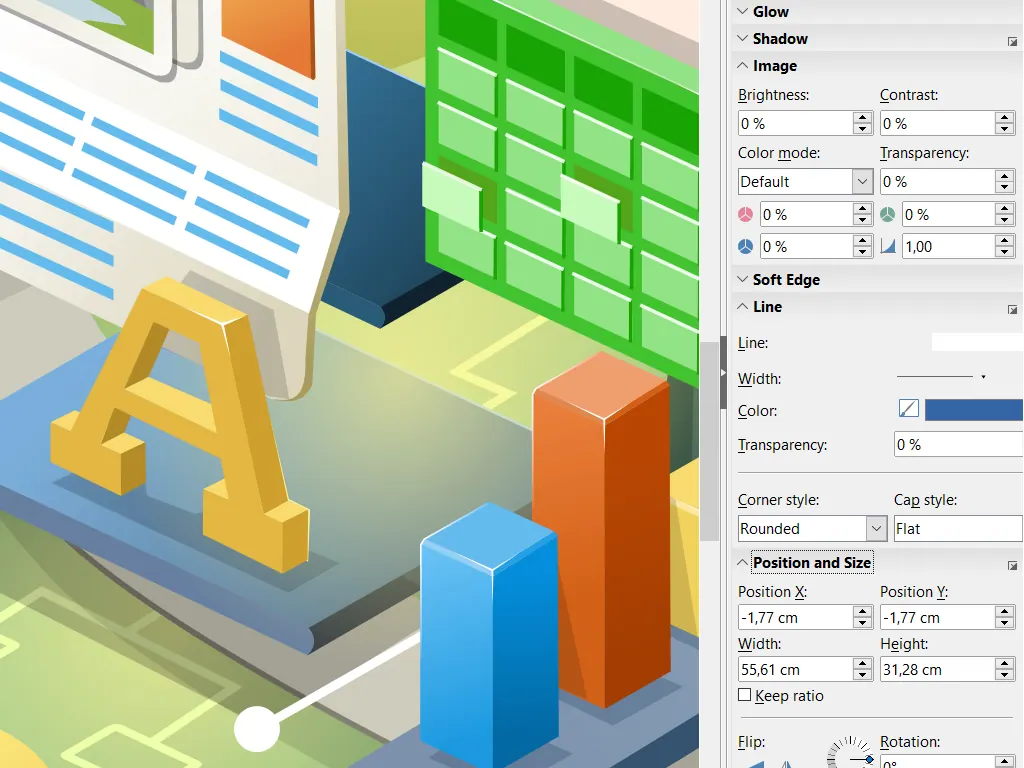
LibreOffice Draw — official interface example
The Document Foundation · Source · CC BY-SA 3.0
By LibreOffice - The Document Foundation ·
Playing loads YouTube. YouTube will receive your IP address and device information.
Nitro PDF today: See pricing page (Nitro PDF pricing, checked 2026-10-23).
Nitro's pricing page lists no dollar amounts. Standard is a per-user subscription billed annually, and there is no free plan, only a 14-day trial. Online purchase stops at 20 licenses, and Plus, which adds SSO and domain control with volume discounts, goes through sales. 24/7 support is marked for 2+ users. The Classic edition is a one-time payment for a three-year term and runs on Windows desktop only. Nitro Sign is priced and tiered separately from the PDF product.
Compared with Nitro PDF: Free online and desktop PDF tools with no paid tier. It suits merge, split and convert jobs, but it is not a licensed editor like Nitro, so do not expect the same editing depth.
Price: Free (Online PDF tools described on the page as 100% free; no paid plan or usage limit stated) (PDF24 Tools pricing, checked 2026-10-23).
Platforms and license: Web browser, Windows. Proprietary freeware.
Best for: Quick merge, split and convert jobs.
Compared with Nitro PDF: Basic free plan with batch limits such as 25 merges and 2 compressions per task. Premium is $5 a month billed annually. It is web only on the free plan, so you lose Nitro's desktop app.
Price: Free (Basic free plan: limited tools; batch limits per task such as 25 merges and 2 compressions; 100 MB merge file size; no AI credits; web only); paid from $5 per Premium, per month billed annually (US$60 per year; US$9 billed monthly) (iLovePDF pricing, checked 2026-10-23).
Platforms and license: Web browser. Proprietary SaaS.
Best for: Occasional browser-based PDF jobs.
Compared with Nitro PDF: Free Desktop+Web plan with page and hourly limits and no signup. Paid options show prices where Nitro does not: a 7-day Web Week Pass at US$5 per user, or US$63 a year for Desktop+Web.
Price: Free (Free web service: 3 tasks per hour, documents up to 200 pages and 50 MB (tool pages quote 50 or 100 MB); no signup); paid from $63 per user/year (Desktop+Web annual); Web Week Pass is a one-time US$5 for 7 days (Sejda pricing, checked 2026-10-23).
Platforms and license: Windows, Web browser. Proprietary SaaS.
Best for: Light desktop PDF editing with limits.
Compared with Nitro PDF: Open-source office suite that handles documents and PDFs; its cloud Business plan is $20 an admin a month. For pure PDF work Nitro's dedicated tools are deeper, but you get a free editor and a document workflow.
Price: Free (Startup cloud plan with up to 3 admins, unlimited users and guests, 12 rooms and 2 GB of storage); paid from $20 per admin/month (Business cloud plan; only admins are paid) (ONLYOFFICE pricing, checked 2026-10-22).
Platforms and license: Web, Self-hosted, Windows, macOS, Linux, iOS, Android. AGPL-3.0 (Docs server) (open source).
Project activity: 7.1k GitHub stars · latest release v10.0.0 (Oct 12, 2026) · last commit Oct 26, 2026
Best for: Free office suite that also edits PDFs.
Compared with Nitro PDF: Free, open-source office suite; Draw can open and edit PDFs and Writer exports PDFs. The PDF editing is rougher than Nitro's and it has no e-signature tools, so it suits occasional edits.
Price: Free (download and use at no cost per its site) (LibreOffice pricing, checked 2026-10-22).
Platforms and license: Windows, macOS, Linux. MPL-2.0 (open source).
Best for: Free offline PDF tweaks.
Worth knowing: Desktop suite of Writer, Calc, Impress, Draw, Base and Math; it has no built-in cloud storage or email.
Compared with Nitro PDF: The standard PDF suite most lists compare Nitro against. Acrobat Standard is $14.99 per month per license on an annual plan billed monthly, with Pro at $19.99 and a free Reader for viewing.
Price: Paid from $14.99 per month per license, Acrobat Standard on an annual plan billed monthly ($24.99 on monthly billing; Pro $19.99) (Adobe Acrobat pricing, checked 2026-10-23).
Docs-only for PDF24 Tools, iLovePDF, Sejda, ONLYOFFICE, LibreOffice: we did not install or run them, so feature claims come from vendor pages and we did not test import from Nitro PDF. Vendor prices and free limits change; confirm on the linked pricing page before you buy or migrate.
Kevin Fan is a SaaS founder. He runs Free Instead Of, which tracks free and open-source alternatives to paid software and checks each price and free-plan limit against the vendor's own pages.
Based on official pricing and product pages checked between 2026-10-22 and 2026-10-23: Nitro PDF, PDF24 Tools, iLovePDF, Sejda, ONLYOFFICE, LibreOffice, Adobe Acrobat. Prices, free limits and licenses are the figures shown on those pages on those dates. No tool on this page was installed or run. No accounts were created.