LibreOffice 25.8: New features
By LibreOffice - The Document Foundation ·
Playing loads YouTube. YouTube will receive your IP address and device information.
Best open-source PDF Editors compared: Stirling PDF, LibreOffice, PDFsam Basic, PDF Arranger and 3 more, with licenses, platforms and prices from official pages checked October 24, 2026.
•3 min read•Office, Docs & Presentations
| Tool | Price | Platforms | Best for | Tested |
|---|---|---|---|---|
| Stirling PDF | Free (Free plan at $0 with no card: web, desktop and self-hosted use, 60+ PDF tools and 1,000 monthly credits); paid from $99 per month (Team, 100 users) | Web browser, Desktop app, Self-hosted (Docker) | General editing and redaction | Docs only |
| LibreOffice | Free (download and use at no cost per its site) | Windows, macOS, Linux | Fixing text in simple PDFs | Docs only |
| PDFsam Basic | Free (PDFsam Basic is free and open source; an Enhanced edition with a full editor is a yearly subscription) | Windows, macOS, Linux | Page-level changes | Docs only |
| PDF Arranger | Free (Free and open source desktop app) | Desktop (Python/GTK) | Reordering pages by sight | Docs only |
| Scribus | Free (Free and open source; no paid tier) | Windows, macOS, Linux | Layout touch-ups | Docs only |
| Inkscape | Free (Free software under GPLv3; the site asks for donations and lists no paid tier) | Linux, macOS, Windows | Editing artwork inside a PDF | Docs only |
| Okular | Free (Free software; no paid tier) | Linux, Windows (Microsoft Store), macOS (nightly builds only) | Highlights, notes and forms | Docs only |
Independent comparison. Paid placements are labelled separately; editorial links earn no affiliate commissions. Learn more.
Images from the linked documentation. Versions and features may differ from current plans.
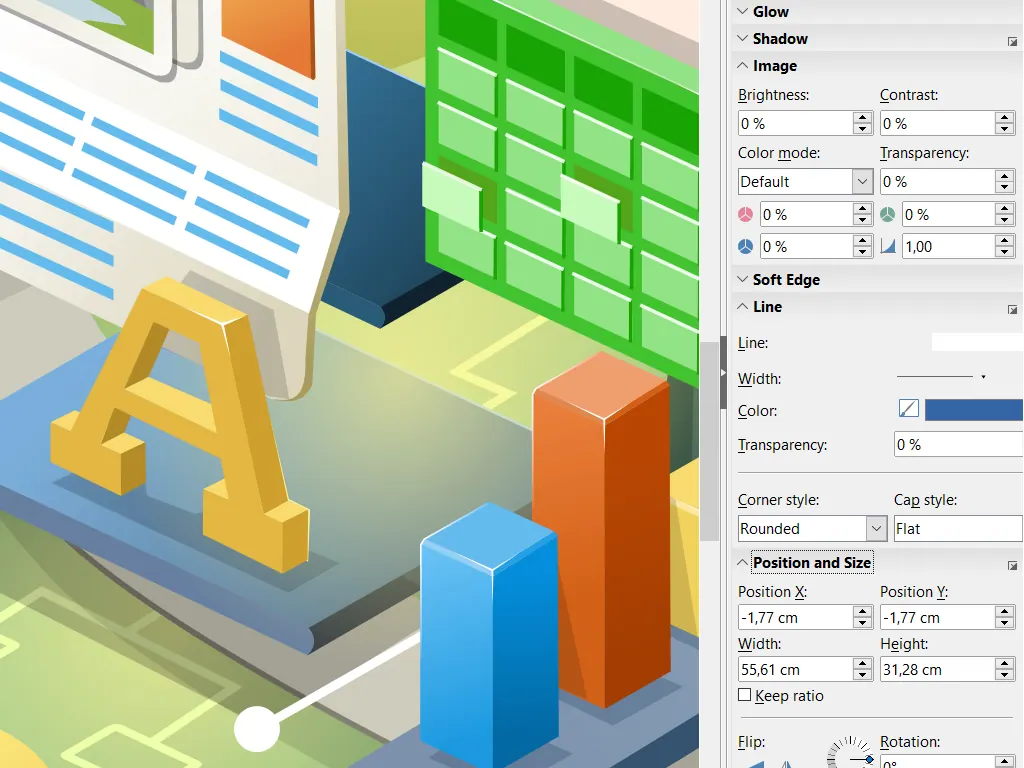
LibreOffice Draw — official interface example
The Document Foundation · Source · CC BY-SA 3.0
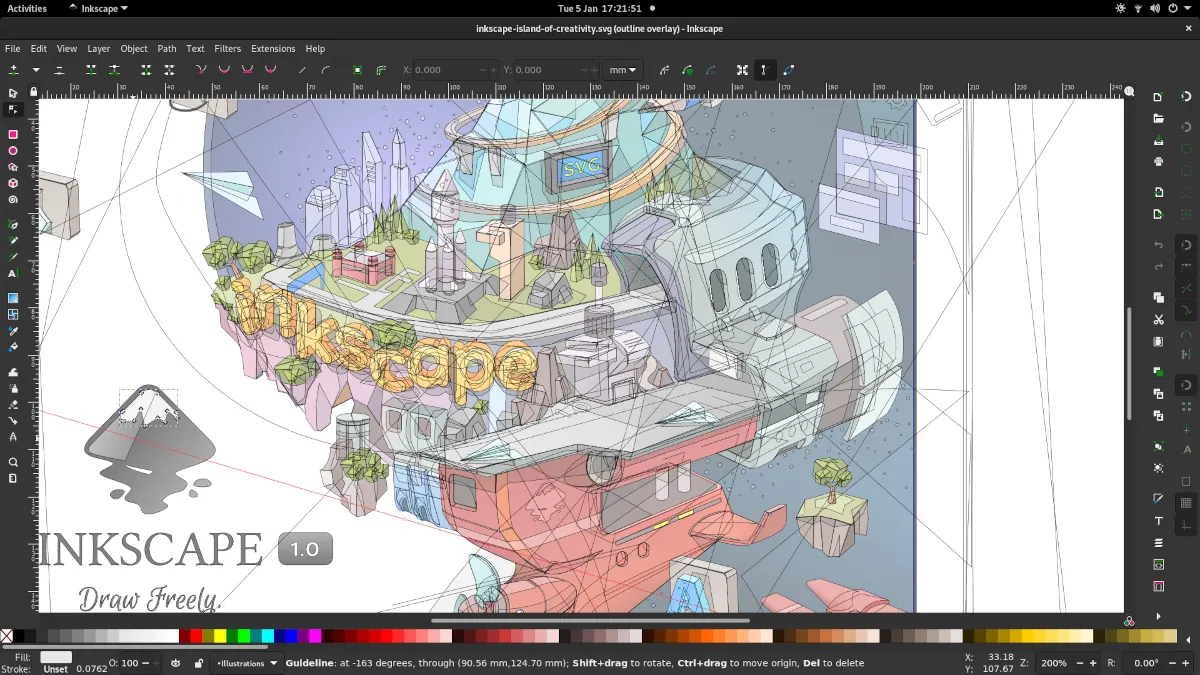
Inkscape 1.1 — outline overlay preview
Moini · Source · CC BY-SA 4.0
By LibreOffice - The Document Foundation ·
Playing loads YouTube. YouTube will receive your IP address and device information.
Editing a PDF is harder than editing a Word file, because the format describes where each glyph sits on a page instead of storing paragraphs. Open-source tools therefore split the job. Stirling PDF is the closest thing to a one-stop shop, with a browser, desktop and self-hosted version that edits, merges, splits, signs and redacts. PDFsam and PDF Arranger focus on page-level work such as merging, splitting, rotating and reordering, and they do it well without touching the text. LibreOffice Draw can open a PDF and let you change text boxes, but fonts and layout often shift. Scribus and Inkscape treat pages as layout or vector art, which helps for design touch-ups but is clumsy for editing paragraphs. Okular lets you annotate, highlight and fill forms without rewriting the document. For a changed typo in a contract, expect imperfect results and keep the original. For rearranging pages, use PDF Arranger or PDFsam, which are faster and safer. Hosted editors cost a monthly fee for polish; here the trade is time spent finding the right tool for each small job. Licences and free plans below were taken from each project's pages as of the check date.
MIT with some directories under separate licences. Free plan includes 60+ PDF tools across web, desktop and self-hosted use, with 1,000 monthly credits.
Price: Free (Free plan at $0 with no card: web, desktop and self-hosted use, 60+ PDF tools and 1,000 monthly credits); paid from $99 per month (Team, 100 users) (Stirling PDF pricing, checked 2026-10-23).
Platforms and license: Web browser, Desktop app, Self-hosted (Docker). MIT, with some directories under separate licenses (open source) (license source).
Project activity: 95.2k GitHub stars · latest release v3.2.2 (Oct 24, 2026) · last commit Oct 27, 2026
Best for: General editing and redaction.
Worth knowing: LICENSE file says MIT except app/proprietary and other directories with their own licenses. Repository README lists edit, merge, split, sign, redact, convert, OCR and compress.
MPL-2.0 suite whose Draw component opens PDFs for text and layout changes. Results vary with fonts, so check the output.
Price: Free (download and use at no cost per its site) (LibreOffice pricing, checked 2026-10-22).
Platforms and license: Windows, macOS, Linux. MPL-2.0 (open source) (license source).
Best for: Fixing text in simple PDFs.
Worth knowing: Desktop suite of Writer, Calc, Impress, Draw, Base and Math; it has no built-in cloud storage or email.
AGPL-licensed desktop tool to split, merge, rotate and extract pages. Does not change the page text itself.
Price: Free (PDFsam Basic is free and open source; an Enhanced edition with a full editor is a yearly subscription) (PDFsam Basic pricing, checked 2026-10-23).
Platforms and license: Windows, macOS, Linux. AGPL (open source) (license source).
Best for: Page-level changes.
GPL-3.0 Python-GTK app for merging, splitting, rotating, cropping and rearranging pages with a visual layout.
Price: Free (Free and open source desktop app) (PDF Arranger pricing, checked 2026-10-24).
Platforms and license: Desktop (Python/GTK). GPL-3.0 (open source) (license source).
Project activity: 6k GitHub stars · latest release 1.14.0 (May 23, 2026) · last commit Oct 1, 2026
Best for: Reordering pages by sight.
GPL desktop publishing program that can import PDF pages for layout work. A layout tool, not a text editor for existing PDFs.
Price: Free (Free and open source; no paid tier) (Scribus pricing, checked 2026-10-23).
Platforms and license: Windows, macOS, Linux. GPL (v2 or later per package listings) (open source) (license source).
Project activity: 644 GitHub stars · last commit Oct 22, 2026
Best for: Layout touch-ups.
GPL-3.0 vector editor that imports PDF pages for graphics edits. Text may come in as separate shapes.
Price: Free (Free software under GPLv3; the site asks for donations and lists no paid tier) (Inkscape pricing, checked 2026-10-22).
Platforms and license: Linux, macOS, Windows. GPL-3.0 (open source) (license source).
Project activity: 4.1k GitHub stars · No commits since Mar 3, 2022
Best for: Editing artwork inside a PDF.
Worth knowing: SVG vector editor. The site links to the GPLv3 guide; the GPLv3 license name is taken from that link.
GPLv2+ KDE document viewer with annotation and form-filling features. Marks up files rather than rewriting content.
Price: Free (Free software; no paid tier) (Okular pricing, checked 2026-10-23).
Platforms and license: Linux, Windows (Microsoft Store), macOS (nightly builds only). GPLv2+ (open source) (license source).
Best for: Highlights, notes and forms.
Docs-only for Stirling PDF, LibreOffice, PDFsam Basic, PDF Arranger, Scribus, Inkscape, Okular: we did not install or run them, so feature claims come from vendor pages. Vendor prices and free limits change; confirm on the linked pricing page before you commit.
Kevin Fan is a SaaS founder. He runs Free Instead Of, which tracks free and open-source alternatives to paid software and checks each price and free-plan limit against the vendor's own pages.
Based on official pricing, license and product pages checked between 2026-10-22 and 2026-10-24: Stirling PDF, LibreOffice, PDFsam Basic, PDF Arranger, Scribus, Inkscape, Okular. Prices, free limits and licenses are the figures shown on those pages on those dates. No tool on this page was installed or run. No accounts were created.