Krisp Alternatives 2026: 5 Free Options
Krisp alternatives: Zoom, OBS Studio, Descript, Audacity and 1 more. Prices and licenses checked October 23, 2026.
•3 min read•Voice AI & Transcription
Verdict:Leave Krisp when you need a cheaper or open option, or when your work is recordings rather than calls. Krisp has a 7-day free trial and no free plan with a set cap, and its Meeting AI Core plan starts at $8 a user a month billed annually. If your calls already run on Zoom, its Basic plan is free for meetings up to 40 minutes, and Pro starts at $14.16 a month billed annually. Those are different jobs: Zoom is a meeting app, and its basic plan covers the calls it hosts. On Linux, NoiseTorch is the closest match: it is free and GPLv3 licensed, and it works on Linux audio through PulseAudio or PipeWire. It runs on Linux only, so Windows and macOS users need another path. For recordings, Descript and Audacity clean audio after you capture it. Descript gives 60 media minutes free each month and charges from $16 a person a month billed annually for Hobbyist. Audacity is free and GPLv3 licensed, but it works on files, not live input. OBS Studio is open source and records clean sessions, not calls. The trade-off is simple: a live filter that works on every call app costs money, while free options either run on one platform or work after the fact.
Quick comparison
| Tool | Price | Platforms | Best for | Tested |
|---|---|---|---|---|
| Zoom | Free (Basic plan: meetings up to 40 minutes and 100 participants, 3 AI meeting summaries a month, 5 clips of up to 2 minutes); paid from $14.16 per user/month, billed annually (Pro; $16.99 billed monthly) | Web, Windows, macOS, Linux, iOS, Android | Meetings on Zoom already | Docs only |
| OBS Studio | Free (open source, with no paid tier listed on its site) | Windows, macOS, Linux | Recording a clean session on your machine | Docs only |
| Descript | Free (60 media minutes a month, 720p export with a watermark, 100 one-time AI credits); paid from $16 per person/month, billed annually (Hobbyist; $24 billed monthly) | Web, Windows, macOS | Cleaning recordings after the fact | Docs only |
| Audacity | Free (Free and open source; the site says it will always remain free and lists no paid version) | Windows, macOS, Linux | Free noise removal on recorded audio | Docs only |
| NoiseTorch | Free (Free and open source; no paid tier) | Linux | Linux users who want live suppression | Docs only |
| Otter.ai | Free (Basic: 300 monthly transcription minutes, 30 minutes per conversation); paid from $8.33 per user/month, billed annually (Pro; $16.99 monthly) | Web browser | Meeting Notes | Docs only |
| Fireflies.ai | Free | Web browser | Meeting Notes | Docs only |
Independent comparison. Paid placements are labelled separately; editorial links earn no affiliate commissions. Learn more.
See the tools in action
Images from the linked documentation. Versions and features may differ from current plans.
Good fit if
- Your calls already run on Zoom and you want no extra app (Zoom is the pick)
- You work on Linux and want a live virtual microphone (NoiseTorch is the pick)
- You need to clean a recorded interview or podcast after the fact (Descript is the pick)
- You want free noise removal on files and no subscription (Audacity is the pick)
Not ideal if
- You rely on Krisp features or integrations that these tools do not replicate
Krisp today: Paid from $8 per per user/month, billed annually (Meeting AI Core); $16 billed monthly (Krisp pricing, checked 2026-10-23).
Why people look for Krisp alternatives
Krisp has no permanent free plan: the page offers a 7-day trial, then Core at $16 per user per month billed monthly or $8 on annual billing, and Advanced at $30 monthly or $15 annually. Core includes 10 GB of storage and one hour a day of accent conversion; Advanced raises those to 60 GB and four hours a day on the speaker side. Every teammate counts as a paid seat, and extra storage is a paid add-on up to 2 TB.
Zoom
Compared with Krisp: Free basic plan, with meetings up to 40 minutes and 100 participants. Pro starts at $14.16 a user a month billed annually. Zoom is a meeting app, so it covers calls on Zoom only.
Price: Free (Basic plan: meetings up to 40 minutes and 100 participants, 3 AI meeting summaries a month, 5 clips of up to 2 minutes); paid from $14.16 per user/month, billed annually (Pro; $16.99 billed monthly) (Zoom pricing, checked 2026-10-22).
Platforms and license: Web, Windows, macOS, Linux, iOS, Android. Proprietary.
Best for: Meetings on Zoom already.
OBS Studio
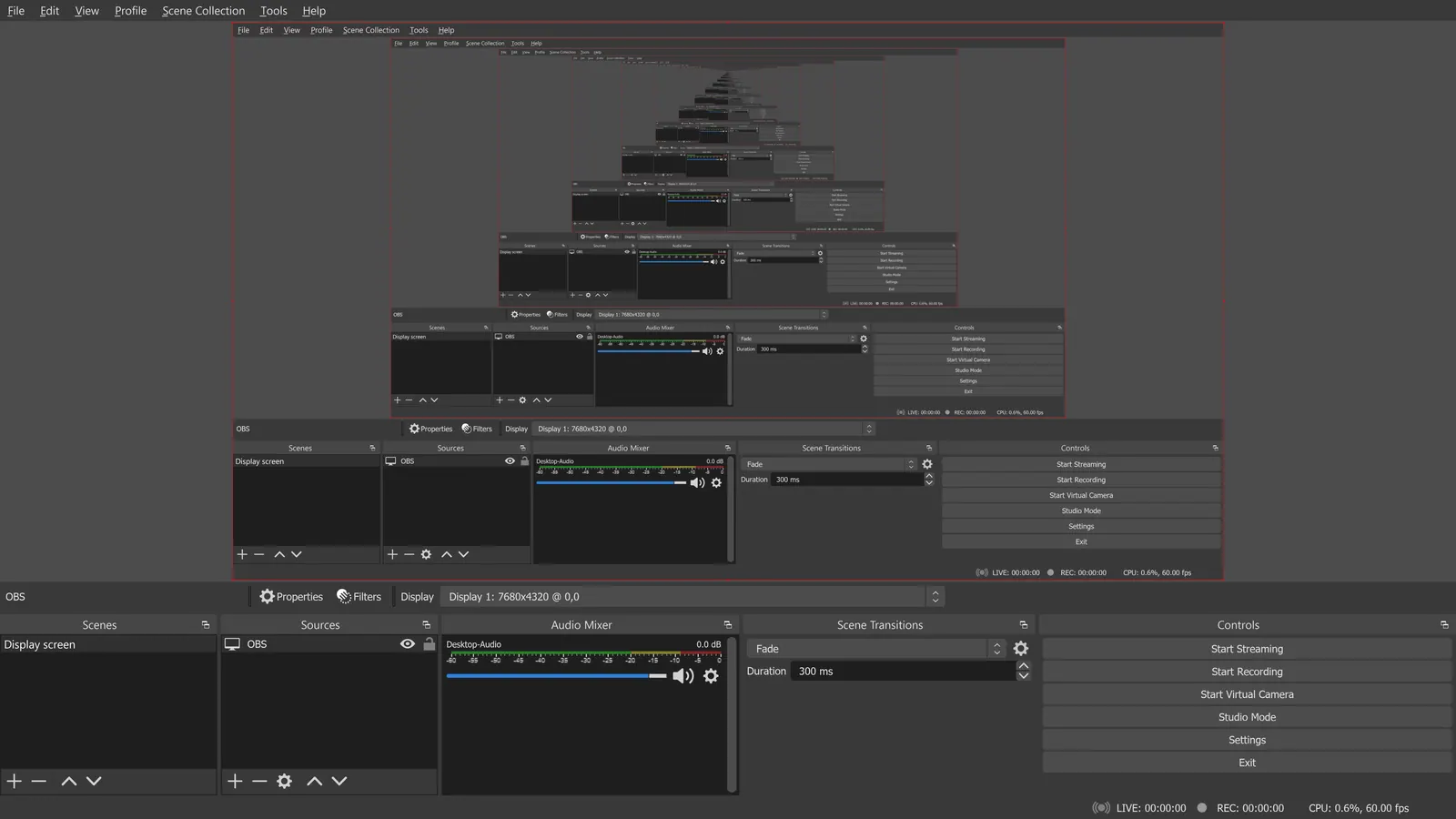
Compared with Krisp: Free and open-source (GPL-2.0-or-later) recording and streaming tool. It is not a noise cancellation app, so use it to record a clean session, not to clean a live call.
Price: Free (open source, with no paid tier listed on its site) (OBS Studio pricing, checked 2026-10-22).
Platforms and license: Windows, macOS, Linux. GPL-2.0-or-later (open source).
Project activity: 78.4k GitHub stars · latest release 33.0.0 (Oct 23, 2026) · last commit Oct 27, 2026
Best for: Recording a clean session on your machine.
Worth knowing: OBS records on your machine; it has no remote guest recording.
Descript
Compared with Krisp: Free plan with 60 media minutes a month, then Hobbyist from $16 a person a month billed annually. It edits recorded audio after the fact, so it is for files, not live calls.
Price: Free (60 media minutes a month, 720p export with a watermark, 100 one-time AI credits); paid from $16 per person/month, billed annually (Hobbyist; $24 billed monthly) (Descript pricing, checked 2026-10-22).
Platforms and license: Web, Windows, macOS. Proprietary.
Best for: Cleaning recordings after the fact.
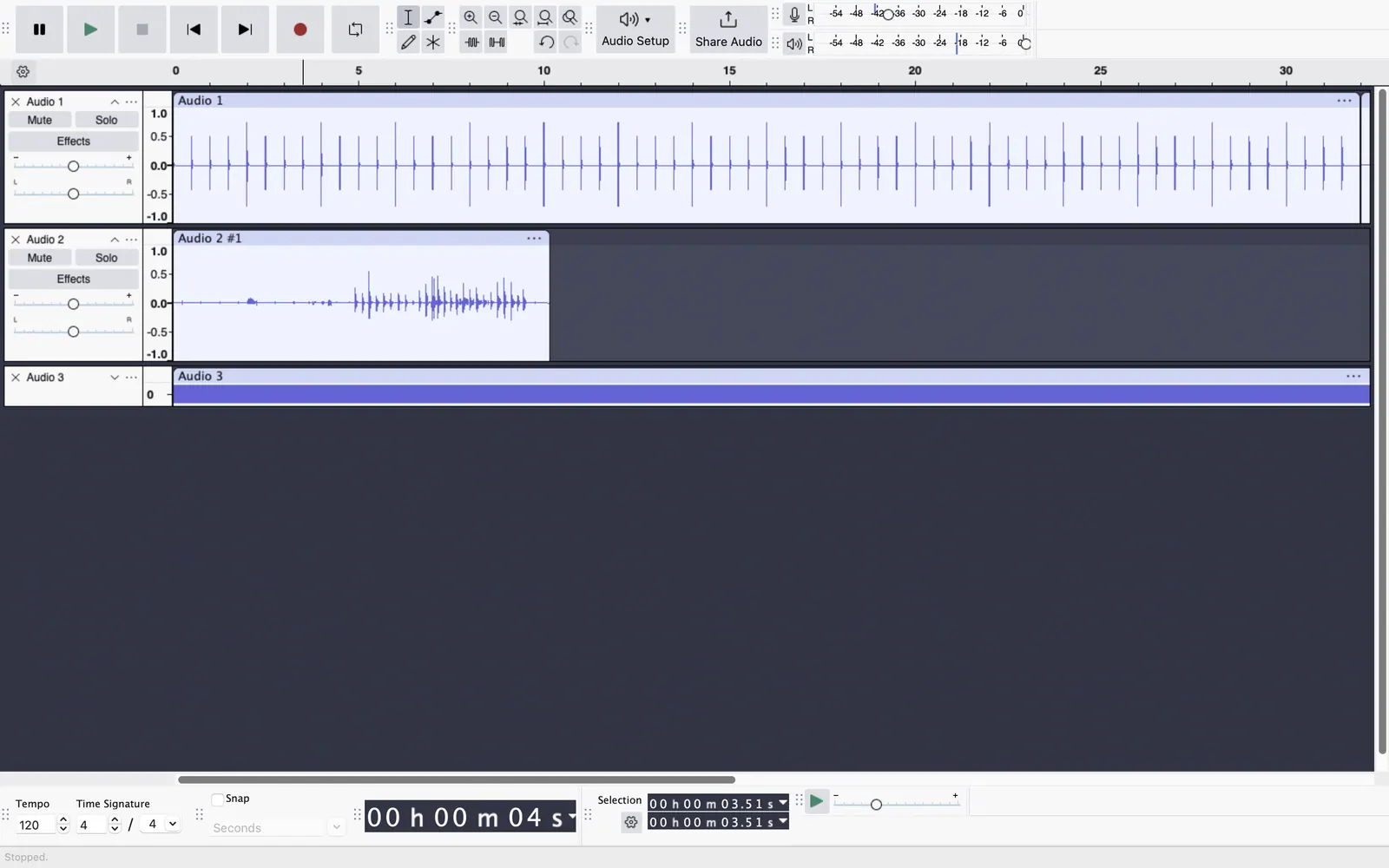
Audacity
Compared with Krisp: Free, GPLv3 licensed desktop editor on Windows, macOS and Linux with a noise reduction effect. It cleans recorded files only, not a live microphone, so you lose the real-time filter Krisp gives on calls.
Price: Free (Free and open source; the site says it will always remain free and lists no paid version) (Audacity pricing, checked 2026-10-22).
Platforms and license: Windows, macOS, Linux. GPL-3.0 (open source).
Project activity: 18.9k GitHub stars · latest release Audacity-4.0.1 (Sep 30, 2026) · last commit Oct 27, 2026
Best for: Free noise removal on recorded audio.
Worth knowing: Desktop multitrack audio editor. Audio.com cloud service and MuseHub plugins are mentioned on the site without prices.
NoiseTorch
Compared with Krisp: Free GPLv3 app on Linux that creates a virtual microphone with noise suppression for other apps. It only runs on Linux, while Krisp supports Windows and macOS.
Price: Free (Free and open source; no paid tier) (NoiseTorch pricing, checked 2026-10-23).
Platforms and license: Linux. GPL-3.0 (open source).
Project activity: 10.4k GitHub stars · latest release v0.12.2 (Jun 17, 2022) · No commits since Jan 13, 2025
Best for: Linux users who want live suppression.
Other popular options (paid)
Otter.ai
Compared with Krisp: Notetaker first, with a Basic free plan of 300 transcription minutes a month and 30 minutes per conversation. Pro is $8.33 per user a month billed annually, close to Krisp Core's $8, without Krisp's noise cancellation focus.
Price: Free (Basic: 300 monthly transcription minutes, 30 minutes per conversation); paid from $8.33 per user/month, billed annually (Pro; $16.99 monthly) (Otter.ai pricing, checked 2026-10-22).
Fireflies.ai
Compared with Krisp: Meeting recorder and notetaker with Free, Pro, Business and Enterprise tiers. Price figures are not listed here, so compare its tiers with Krisp's 7-day trial and $8 Core annual rate on its pricing page.
Price: Free (Fireflies.ai pricing, checked 2026-10-22).
Which one to pick
- Your calls already run on Zoom and you want no extra app: Zoom
- You work on Linux and want a live virtual microphone: NoiseTorch
- You need to clean a recorded interview or podcast after the fact: Descript
- You want free noise removal on files and no subscription: Audacity
Limits of this review
Docs-only for Zoom, OBS Studio, Descript, Audacity, NoiseTorch: we did not install or run them, so feature claims come from vendor pages and we did not test import from Krisp. Vendor prices and free limits change; confirm on the linked pricing page before you buy or migrate.
Related guides
More in Voice AI & Transcription
All Voice AI & Transcription alternatives →Sources
Kevin Fan
Kevin Fan is a SaaS founder. He runs Free Instead Of, which tracks free and open-source alternatives to paid software and checks each price and free-plan limit against the vendor's own pages.
Methodology
Based on official pricing and product pages checked between 2026-10-22 and 2026-10-23: Krisp, Zoom, OBS Studio, Descript, Audacity, NoiseTorch, Otter.ai, Fireflies.ai. Prices, free limits and licenses are the figures shown on those pages on those dates. No tool on this page was installed or run. No accounts were created.