Best Free Vocal Removers 2026: 6 Options Compared
Best free Vocal Removers compared: Ultimate Vocal Remover, Demucs, Spleeter, LALAL.AI and 2 more, with free-plan limits, platforms and prices from official pages checked October 24, 2026.
•3 min read•Audio & Music
Try one now
Quick comparison
| Tool | Price | Platforms | Best for | Tested |
|---|---|---|---|---|
| Ultimate Vocal Remover | Free (Free open-source desktop GUI for vocal and stem removal) | Windows, macOS, Linux | Best free quality on your own PC | Docs only |
| Demucs | Free (Free open-source music source separation model) | Self-hosted (Python) | Scripting batches of songs | Docs only |
| Spleeter | Free (Free open-source stem separation library) | Self-hosted (Python) | Fast separation with simple tooling | Docs only |
| LALAL.AI | Free | Web browser | One-off tracks in a browser | Docs only |
| Moises | Free (Free tier with a limited number of uploads each month and a select set of features (FAQ)) | Web browser, iOS, Android | Practice tracks for musicians | Docs only |
| Audacity | Free (Free and open source; the site says it will always remain free and lists no paid version) | Windows, macOS, Linux | Rough vocal reduction with no extra tools | Docs only |
Independent comparison. Paid placements are labelled separately; editorial links earn no affiliate commissions. Learn more.
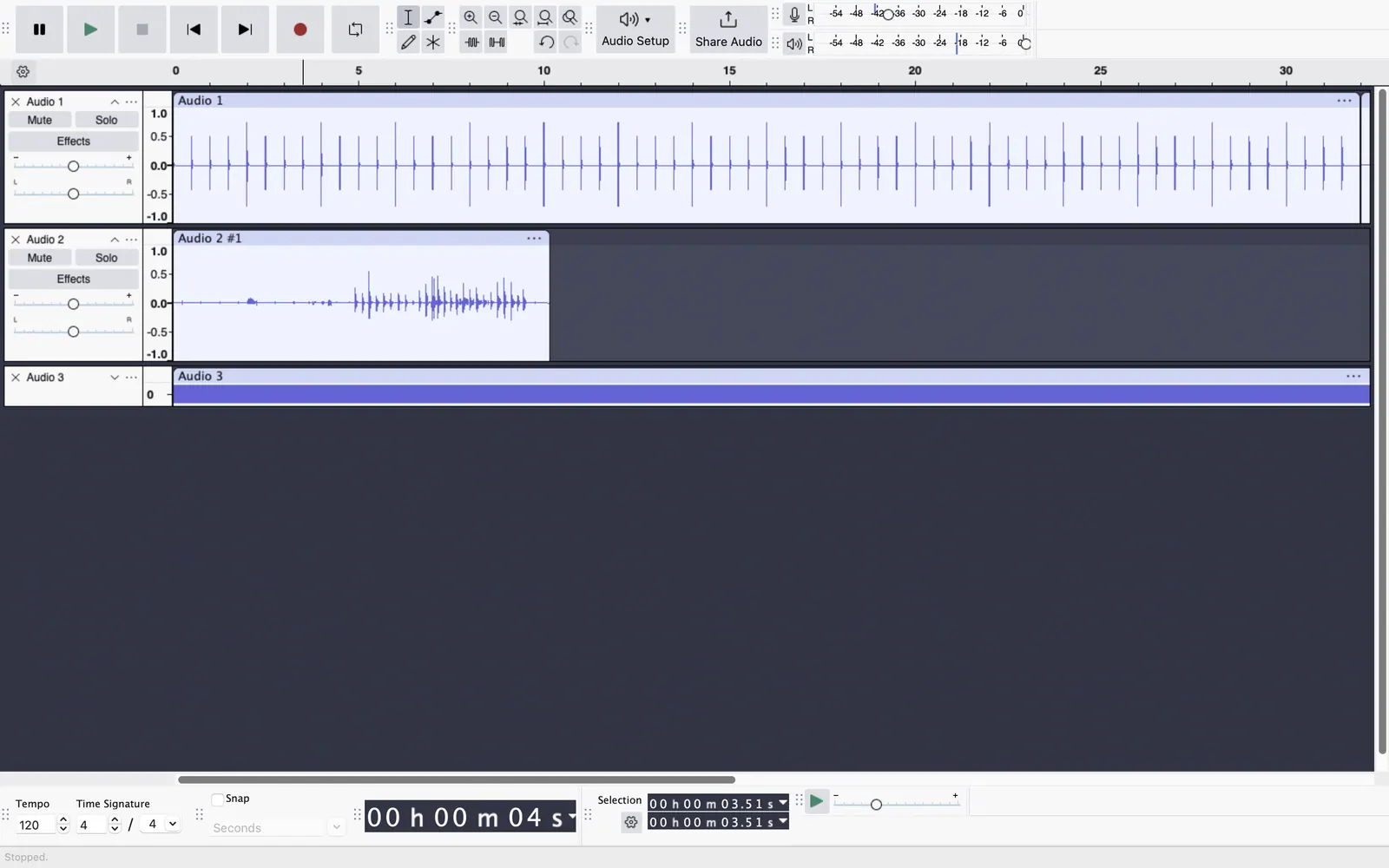
See the tools in action
Images from the linked documentation. Versions and features may differ from current plans.
Good fit if
- I have a lot of songs and want the best quality (Ultimate Vocal Remover is the pick)
- I only need one track and no install (LALAL.AI is the pick)
- I want practice tracks to play along with (Moises is the pick)
- I want to script batch separation (Demucs is the pick)
Not ideal if
- You need paid-tier features, uptime guarantees or support that these free plans leave out
A vocal remover tries to split a song into vocals and backing, and the quality gap between methods is large. The old trick in Audacity, inverting one stereo channel, only works on some recordings and leaves ghosts of the singer. Modern tools use neural networks to separate stems, and the best results come from the models themselves: Demucs, Spleeter and Ultimate Vocal Remover are open source, free without limits, and run on your own computer, though you install software and, for good speed, want a decent GPU. Hosted tools are easier. LALAL.AI has an always-free tier and Moises has a free tier with a monthly cap on uploads, both in the browser, with a cap on file length or number of tracks and stronger results reserved for paid plans. Pick a local model if you process many songs or want to keep files private. Pick a hosted tool if you have one song, a phone and ten minutes. Whichever you use, expect artifacts such as faint vocal bleed or thinned drums, and note that separating a commercial song for private practice is different from publishing the result, which raises copyright questions the software cannot answer for you.
Ultimate Vocal Remover
Open-source desktop app (MIT) that bundles several separation models behind one interface, free and unlimited. Needs a decent computer, and a GPU makes it far faster.
Price: Free (Free open-source desktop GUI for vocal and stem removal) (Ultimate Vocal Remover pricing, checked 2026-10-24).
Platforms and license: Windows, macOS, Linux. MIT (open source).
Project activity: 26.8k GitHub stars · latest release v5.6 (Sep 26, 2023) · last commit Oct 6, 2026
Best for: Best free quality on your own PC.
Demucs
MIT-licensed stem-separation model from Meta that splits vocals, drums, bass and other. Command-line only, so better for people comfortable with Python.
Price: Free (Free open-source music source separation model) (Demucs pricing, checked 2026-10-24).
Platforms and license: Self-hosted (Python). MIT (open source).
Project activity: 3.5k GitHub stars · last commit Oct 26, 2026
Best for: Scripting batches of songs.
Worth knowing: MIT per LICENSE file.
Spleeter
MIT-licensed Deezer library that separates stems quickly. Older than Demucs, with lower quality on some tracks, but light and well documented.
Price: Free (Free open-source stem separation library) (Spleeter pricing, checked 2026-10-24).
Platforms and license: Self-hosted (Python). MIT (open source).
Project activity: 28.5k GitHub stars · latest release v2.3.0 (Sep 3, 2021) · last commit Jun 18, 2026
Best for: Fast separation with simple tooling.
Worth knowing: MIT per LICENSE file.
LALAL.AI
Browser tool with an always-free tier alongside paid Lite and Pro plans; free allowance details were not captured, so check the site. No install needed.
Price: Free (LALAL.AI pricing, checked 2026-10-24).
Platforms and license: Web browser. Proprietary.
Best for: One-off tracks in a browser.
Moises
Free tier with a limited number of uploads each month and a select set of features, per its FAQ. Aimed at musicians who want to practice along.
Price: Free (Free tier with a limited number of uploads each month and a select set of features (FAQ)) (Moises pricing, checked 2026-10-24).
Platforms and license: Web browser, iOS, Android. Proprietary.
Best for: Practice tracks for musicians.
Audacity
GPL-3.0 editor with a vocal reduction effect. Results are crude compared with neural models and only work on some stereo recordings, but it needs nothing else.
Price: Free (Free and open source; the site says it will always remain free and lists no paid version) (Audacity pricing, checked 2026-10-22).
Platforms and license: Windows, macOS, Linux. GPL-3.0 (open source).
Project activity: 18.9k GitHub stars · latest release Audacity-4.0.1 (Sep 30, 2026) · last commit Oct 27, 2026
Best for: Rough vocal reduction with no extra tools.
Worth knowing: Desktop multitrack audio editor. Audio.com cloud service and MuseHub plugins are mentioned on the site without prices.
Compare: Audacity alternatives
Which one to pick
- I have a lot of songs and want the best quality: Ultimate Vocal Remover
- I only need one track and no install: LALAL.AI
- I want practice tracks to play along with: Moises
- I want to script batch separation: Demucs
Limits of this review
Docs-only for Ultimate Vocal Remover, Demucs, Spleeter, LALAL.AI, Moises, Audacity: we did not install or run them, so feature claims come from vendor pages. Vendor prices and free limits change; confirm on the linked pricing page before you commit.
Related guides
Sources
Kevin Fan
Kevin Fan is a SaaS founder. He runs Free Instead Of, which tracks free and open-source alternatives to paid software and checks each price and free-plan limit against the vendor's own pages.
Methodology
Based on official pricing, license and product pages checked between 2026-10-22 and 2026-10-24: Ultimate Vocal Remover, Demucs, Spleeter, LALAL.AI, Moises, Audacity. Prices, free limits and licenses are the figures shown on those pages on those dates. No tool on this page was installed or run. No accounts were created.