Best Free File Sharing Services 2026: 7 Options Compared
Best free File Sharing Services compared: WeTransfer, Smash, Google Drive, Dropbox and 3 more, with free-plan limits, platforms and prices from official pages checked October 24, 2026.
•3 min read•Cloud Storage & Backup
Quick comparison
| Tool | Price | Platforms | Best for | Tested |
|---|---|---|---|---|
| WeTransfer | Free (Free plan: up to 3 GB in total and 10 transfers in any rolling 30-day window) | Web | One-off large sends | Docs only |
| Smash | Free (Free plan: 2 GB per transfer, available 7 days, 1 user, no storage) | Web | Quick transfers without sign-up | Docs only |
| Google Drive | Free (15 GB of storage per Google account, shared with Gmail and Photos); paid from $1.99 per month (Google One Basic, 100 GB) | Web, Windows, macOS, iOS, Android | Ongoing shared folders | Docs only |
| Dropbox | Free (Basic plan with 2 GB of storage); paid from $9.99 per month for 1 person, 2 TB (Plus, billed monthly) | Web, Windows, macOS, Linux, iOS, Android | Sync plus link sharing | Docs only |
| OneDrive | Free | Web, Windows, macOS, iOS, Android | Windows and Office users | Docs only |
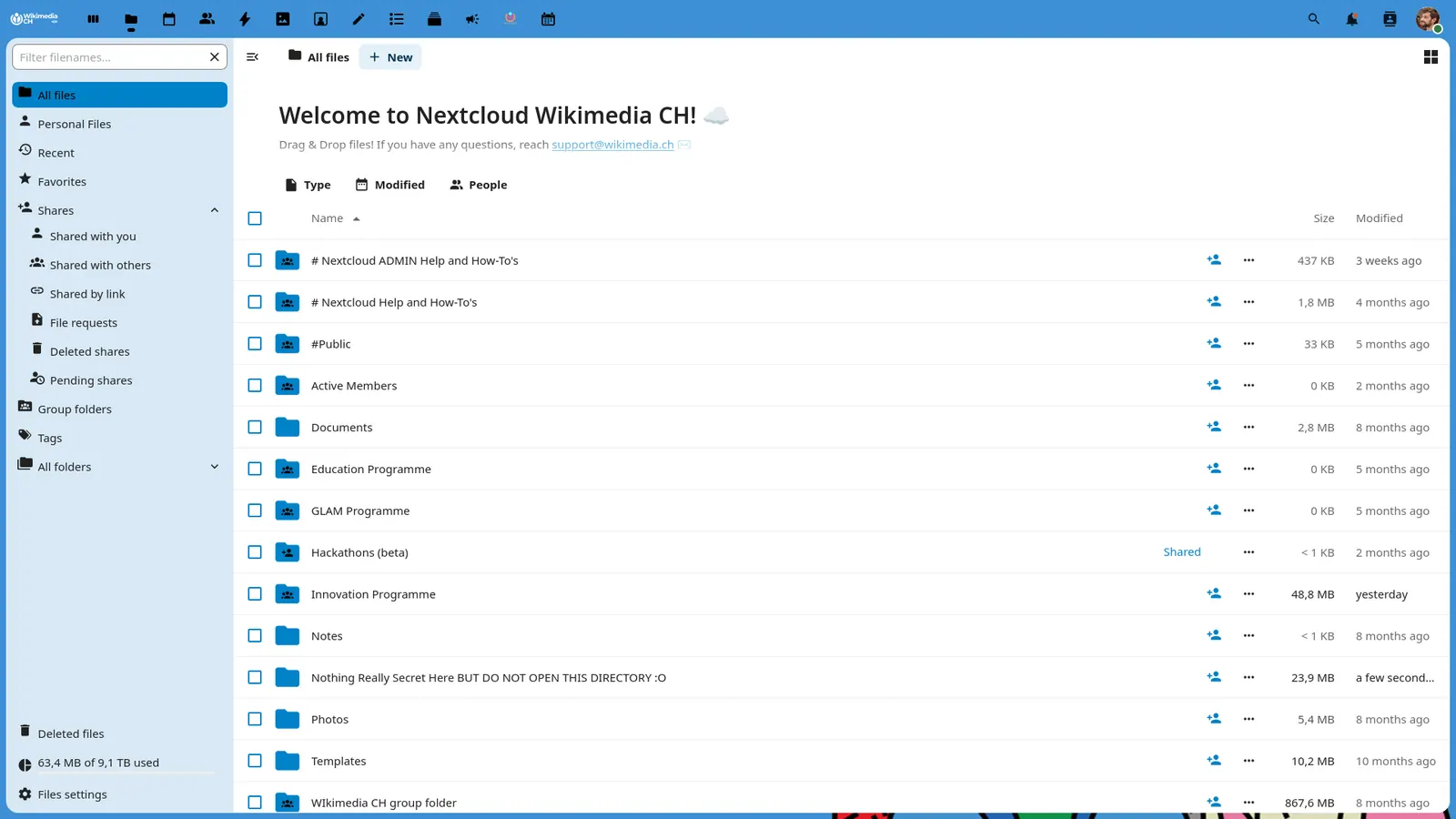
| Nextcloud | Free (Community server is free to self-host and the Nextcloud-branded desktop and mobile apps are free); paid from EUR 71.29 per user/year (Enterprise Standard at 100 users, 100-user minimum) | Web, Self-hosted, Desktop app, Mobile app | Self-hosted sharing with full control | Docs only |
| Seafile | Free (Community Edition is free and open source; Professional Edition is free for up to 3 users); paid from $48 per user/year (Professional, 10-249 users) | Self-hosted, Windows, macOS, Linux, iOS, Android | Self-hosted file sync for small teams | Docs only |
Independent comparison. Paid placements are labelled separately; editorial links earn no affiliate commissions. Learn more.
See the tools in action
Images from the linked documentation. Versions and features may differ from current plans.
Good fit if
- You need to send a 2 GB video once (Smash is the pick)
- You share folders with clients each week (Google Drive is the pick)
- You want files on your own server (Nextcloud is the pick)
- You send several large files a month (WeTransfer is the pick)
Not ideal if
- You need paid-tier features, uptime guarantees or support that these free plans leave out
Sharing a file is different from storing it. If you only need to hand someone a large file once, a transfer service is the shortest path, and WeTransfer's free plan allows up to 3 GB in total and 10 transfers in any rolling 30-day window, while Smash allows 2 GB per transfer available for 7 days. If you share often or need folders that stay in sync, a storage service is better: Google Drive gives 15 GB shared with Gmail, Dropbox gives 2 GB, and OneDrive comes with a Microsoft account. For control, Nextcloud and Seafile can be self-hosted at no cost, so you decide where files live and who can open them. The trade-offs are limits and privacy. Free transfers expire, free storage fills up with photos, and self-hosting means you handle updates and backups. Check how a share link behaves before you send anything sensitive: whether it needs a password, whether it expires, and whether the recipient needs an account. For client work, a link from a well-known service looks more trustworthy than an unfamiliar one, and for personal files a self-hosted option avoids third parties. Pick the transfer tool for a one-off and the storage tool for anything you will share again next month.
WeTransfer
Free plan allows up to 3 GB in total and 10 transfers in any rolling 30-day window. No storage; links expire.
Price: Free (Free plan: up to 3 GB in total and 10 transfers in any rolling 30-day window) (WeTransfer pricing, checked 2026-10-23).
Platforms and license: Web. Proprietary.
Best for: One-off large sends.
Compare: WeTransfer alternatives
Smash
Free plan: 2 GB per transfer, available 7 days, 1 user, no storage. Larger transfers queue behind Pro ones.
Price: Free (Free plan: 2 GB per transfer, available 7 days, 1 user, no storage) (Smash pricing, checked 2026-10-24).
Platforms and license: Web. Proprietary.
Best for: Quick transfers without sign-up.
Google Drive
15 GB shared with Gmail and Photos, with link sharing and permissions. Most recipients already have a Google account.
Price: Free (15 GB of storage per Google account, shared with Gmail and Photos); paid from $1.99 per month (Google One Basic, 100 GB) (Google Drive pricing, checked 2026-10-22).
Platforms and license: Web, Windows, macOS, iOS, Android. Proprietary.
Best for: Ongoing shared folders.
Compare: Google Drive alternatives
Dropbox
Basic plan with 2 GB. Sharing links and desktop sync are reliable, but the space is small. Plus is $9.99 a month.
Price: Free (Basic plan with 2 GB of storage); paid from $9.99 per month for 1 person, 2 TB (Plus, billed monthly) (Dropbox pricing, checked 2026-10-22).
Platforms and license: Web, Windows, macOS, Linux, iOS, Android. Proprietary.
Best for: Sync plus link sharing.
Compare: Dropbox alternatives
OneDrive
Free with a Microsoft account and built into Windows. The comparison page timed out, so the free amount is unconfirmed.
Price: Free (OneDrive pricing, checked 2026-10-23).
Platforms and license: Web, Windows, macOS, iOS, Android. Proprietary.
Best for: Windows and Office users.
Compare: OneDrive alternatives
Nextcloud
AGPL-3.0 server with free self-hosting and free desktop and mobile apps. You run the server; hosted Enterprise starts at 71.29 EUR per user a year.
Price: Free (Community server is free to self-host and the Nextcloud-branded desktop and mobile apps are free); paid from EUR 71.29 per user/year (Enterprise Standard at 100 users, 100-user minimum) (Nextcloud pricing, checked 2026-10-22).
Platforms and license: Web, Self-hosted, Desktop app, Mobile app. AGPL-3.0 (open source).
Project activity: 37.3k GitHub stars · latest release v33.0.10 (Oct 15, 2026) · last commit Oct 27, 2026
Best for: Self-hosted sharing with full control.
Seafile
Community Edition is free and open source (AGPL-3.0 server); Professional is free for up to 3 users. Needs your own server.
Price: Free (Community Edition is free and open source; Professional Edition is free for up to 3 users); paid from $48 per user/year (Professional, 10-249 users) (Seafile pricing, checked 2026-10-22).
Platforms and license: Self-hosted, Windows, macOS, Linux, iOS, Android. AGPL-3.0 (server core); GPL-2.0 desktop client (open source).
Project activity: 15.4k GitHub stars · latest release v9.0.5 (Feb 27, 2024) · last commit Oct 16, 2026
Best for: Self-hosted file sync for small teams.
Which one to pick
- You need to send a 2 GB video once: Smash
- You share folders with clients each week: Google Drive
- You want files on your own server: Nextcloud
- You send several large files a month: WeTransfer
Limits of this review
Docs-only for WeTransfer, Smash, Google Drive, Dropbox, OneDrive, Nextcloud, Seafile: we did not install or run them, so feature claims come from vendor pages. Vendor prices and free limits change; confirm on the linked pricing page before you commit.
Related guides
More in Cloud Storage & Backup
All Cloud Storage & Backup alternatives →Sources
Kevin Fan
Kevin Fan is a SaaS founder. He runs Free Instead Of, which tracks free and open-source alternatives to paid software and checks each price and free-plan limit against the vendor's own pages.
Methodology
Based on official pricing, license and product pages checked between 2026-10-22 and 2026-10-24: WeTransfer, Smash, Google Drive, Dropbox, OneDrive, Nextcloud, Seafile. Prices, free limits and licenses are the figures shown on those pages on those dates. No tool on this page was installed or run. No accounts were created.