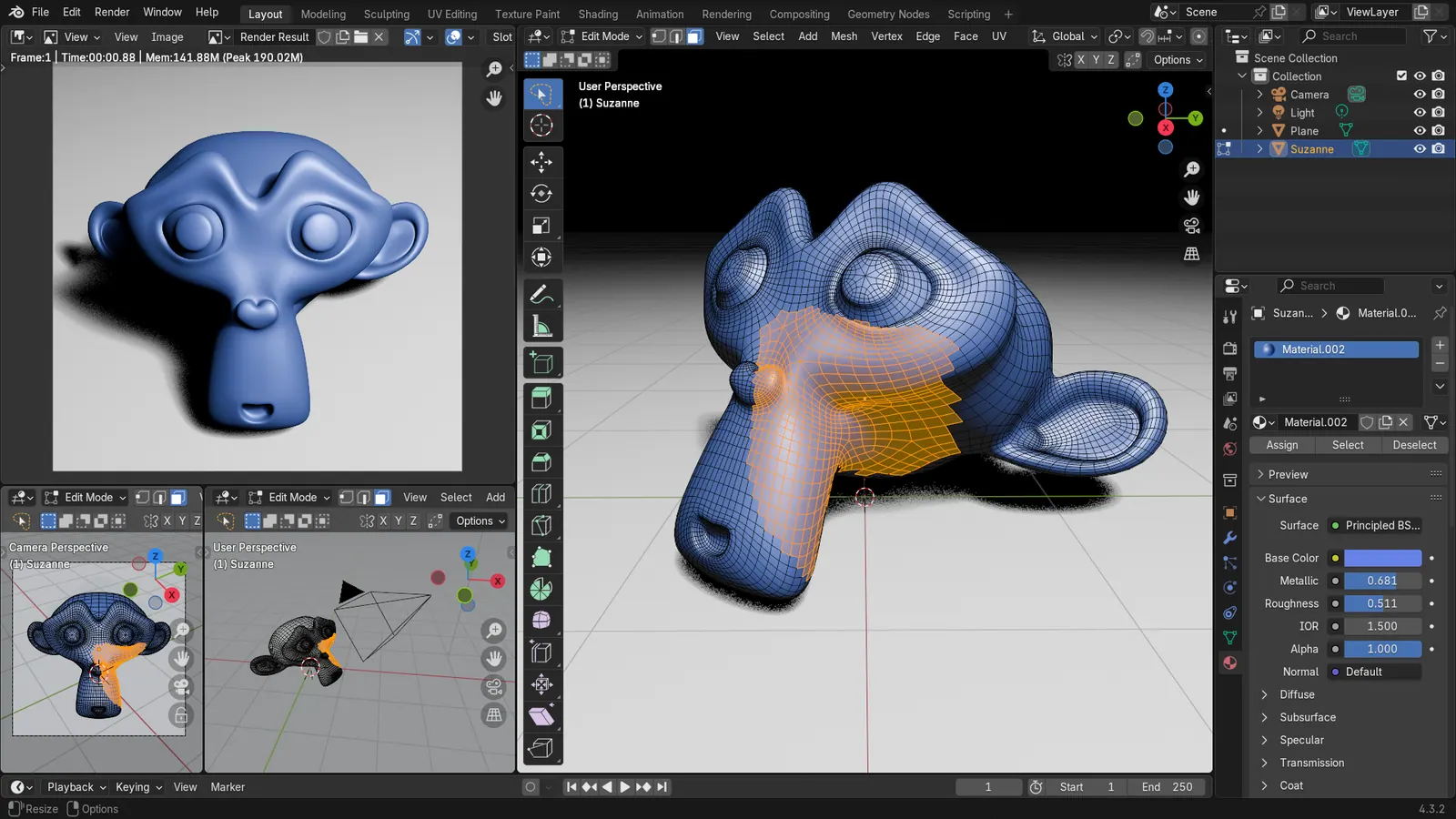
Blender 5.2 LTS - Showcase Reel
By Blender ·
Playing loads YouTube. YouTube will receive your IP address and device information.
After Effects alternatives for motion graphics: Cavalry, Apple Motion, Blender, DaVinci Resolve Fusion, Natron and Jitter, with prices and limits.
•4 min read•Video Editing & AI Video
Verdict:For 2D motion graphics, Cavalry is free for individuals and built for it, Apple Motion is the Mac pick, and Jitter works in the browser. Blender and DaVinci Resolve's Fusion page suit 3D and compositing. Natron is a 2D compositor, and its latest stable release dates from 2022.
| Tool | Price | Platforms | Best for | Tested |
|---|---|---|---|---|
| Cavalry | Free for individuals; a Canva account is required | macOS, Windows | Motion designers who want procedural 2D animation, rigging and Lottie export without paying | Docs only |
| Apple Motion | Included in Apple Creator Studio at $12.99 per month or $129 per year; also sold one-time on the Mac App Store | macOS | Mac users who want keyframed titles, effects and templates that work with Final Cut Pro | Docs only |
| Blender | Free, GPL, commercial use allowed | Windows, macOS, Linux | Motion graphics that need 3D objects, camera moves or compositing, with time to learn | Docs only |
| DaVinci Resolve (Fusion) | Free version; Studio on sale at $236 (was $295) on October 27, 2026 | Windows, macOS, Linux | Editors who want node-based 2D and 3D compositing inside the app they already cut in | Docs only |
| Natron | Free, open source | Windows, macOS, Linux | Compositing, rotoscoping and keying in a node graph, rather than typographic motion design | Docs only |
| Jitter | Free plan exports 720p at 30 fps; paid plans Pro, Max and Ultra | Web | Quick UI and social animations in a browser, with Lottie export | Docs only |
Independent comparison. Paid placements are labelled separately; editorial links earn no affiliate commissions. Learn more.
Images from the linked documentation. Versions and features may differ from current plans.
By Blender ·
Playing loads YouTube. YouTube will receive your IP address and device information.
No single app copies After Effects, so the right alternative depends on the motion graphics you make. For 2D titles and logo animation, Cavalry is built for it and is free for individuals, Apple Motion is the Mac option, and Jitter runs in a browser. For 3D or compositing, look at Blender or the Fusion page in DaVinci Resolve. For the full field, see all After Effects alternatives.
According to Adobe's page, After Effects is $22.99 a month on an annual plan billed monthly, with a seven-day trial. Commenters in a July 2024 Hacker News thread pointed to Natron, DaVinci Resolve and Apple Motion as options.
Cavalry is a professional 2D animation and motion graphics app. Its site lists rigging, real-time rendering, data import and Lottie export, says individual use is free with no restrictions, and requires a Canva account. It runs on macOS (Apple silicon and Intel) and Windows, and is not available on mobile.
The pages read do not say whether the free version is perpetual, so treat the terms as subject to change. Older paid Teams and Pro subscriptions still appear in its FAQ. Who should not pick it: Linux users, or anyone who wants a layer-and-timeline interface like After Effects.
Apple Motion is Apple's motion graphics app for Mac. According to Apple's page, it has a keyframe editor, more than 100 text animation presets, over 200 filters and effects including tracking and particles, and Smart Motion Templates that work in Final Cut Pro. It needs macOS 15.6 or later.
Motion is included in Apple Creator Studio at $12.99 a month or $129 a year, with a 30-day trial for new subscribers, and Apple says it is also sold one-time on the Mac App Store without listing that price. Who should not pick it: Windows or Linux users.
Blender is a free, open-source 3D suite. Its license page says you are free to use it for any purpose, including commercial work. The features page lists tracking, masking and compositing, and it runs on Linux, Windows and macOS.
For motion graphics it is strongest when you need 3D objects or camera moves. One Techpoint roundup says it is not designed for traditional 2D motion graphics or typography-driven animation. Blender's Windows minimum is 4 cores, 8 GB of RAM and 2 GB of VRAM. Who should not pick it: someone who mainly animates text and shapes.
DaVinci Resolve is a video editor with a free version, and Fusion is built into it for compositing. According to Blackmagic, Fusion is built into Resolve and has a node-based workflow with hundreds of 2D and 3D tools. The product page lists a free version and Studio on sale at $236 (down from $295) when checked on October 27, 2026, for Mac, Windows and Linux.
Blackmagic's pages do not say which Fusion features the free version includes, so check before you depend on one. A commenter in a December 2025 thread felt Resolve's motion graphics were an afterthought. Who should not pick it: anyone who wants a layer-based motion design workflow.
Natron is a free, open-source, node-based compositing app. Its site describes a 2D toolkit with tracking, roto and keying, and lists Windows 8.1 to 11, Linux and macOS, where the stable release runs on Apple silicon through Rosetta 2. The latest stable version is 2.5.0 from November 25, 2022, with an alpha for native Apple silicon.
That makes it a compositor, not a motion design tool. A commenter in the July 2024 thread said it looked promising but seemed slow. Who should not pick it: anyone animating typography or shapes.
Jitter is a web-based motion design tool. According to its pricing page, the Free plan allows 3 workspace files and 20 MB uploads and exports video, GIF and Lottie at 720p and 30 fps. Pro adds ProRes and WebM at 1080p and 60 fps, and Max and Ultra reach 4K at 120 fps. It lists no amounts for the paid plans.
Who should not pick it: anyone needing a local, offline tool. Commenters on the July 2024 thread warned that web-based tools can disappear or be acquired.
Pay when a missing feature costs you more than the subscription. Apple Motion suits a Mac editor who already uses Final Cut Pro. Jitter's paid plans matter once you need 1080p or 4K output. DaVinci Resolve Studio was on sale at $236 (down from $295) when checked on October 27, 2026, but Blackmagic's Fusion page gives no list of Fusion features that differ between the free version and Studio, so check before paying. Stay free if you animate occasionally. Staying on After Effects is also reasonable if you depend on its plugins or projects, since none of the pages read describe opening .aep files. For the editing side of the Adobe stack, see our Premiere Pro alternatives.
| Tool | Best at | Price | Platforms |
|---|---|---|---|
| Cavalry | Procedural 2D motion | Free for individuals | macOS, Windows |
| Apple Motion | Titles and effects on Mac | $12.99/month or $129/year; one-time price not shown | macOS |
| Blender | 3D and compositing | Free | Windows, macOS, Linux |
| DaVinci Resolve (Fusion) | Node compositing | Free; Studio $236 on sale (was $295) | Windows, macOS, Linux |
| Natron | 2D compositing | Free | Windows, macOS, Linux |
| Jitter | Browser UI animation | Free to 720p; paid plans | Web |
You make titles, logos and explainers. Start with Cavalry on Windows or Mac, or Motion on a Mac. Our Motion alternatives page covers that side.
You need 3D or compositing. Blender or Fusion. Our free After Effects alternative guide goes through the free options.
You want to try something in minutes. Jitter in a browser, then compare with After Effects vs Premiere Pro if you are rethinking the whole Adobe stack.
No tool was installed or used to build a project. Jitter's paid prices, Natron's licence name and Apple's one-time price for Motion were not found on the pages read. Which Fusion features the free Resolve includes is not stated on Blackmagic's pages.
Cavalry is built for 2D motion graphics and its site says it is free for individuals with a Canva account. Blender is free for any purpose and handles 3D and compositing. DaVinci Resolve has a free version too. Which one fits depends on whether your work is 2D typography, 3D, or compositing.
For 3D and compositing, yes. For classic 2D typographic motion graphics, less so: one roundup says Blender is not designed for traditional 2D motion graphics. Blender's site lists tracking, masking and compositing, and its Windows minimum is 4 cores, 8 GB of RAM and 2 GB of VRAM.
Natron's site lists stable version 2.5.0, released November 25, 2022, and an alpha 2.6.0 build for native Apple silicon. It describes Natron as a 2D compositing toolkit with tracking, roto and keying. It mentions no 3D features, so it fits compositing better than motion design.
Apple's page lists Motion inside Apple Creator Studio at $12.99 a month or $129 a year, and says it is also available as a one-time Mac App Store purchase, without listing that price. It is Mac only and needs macOS 15.6 or later.
For short UI and social animations, possibly. Jitter's free plan exports video, GIF and Lottie at 720p and 30 fps, and paid plans raise that to 4K at 120 fps. It is a web tool, so it has no desktop plugin ecosystem, and one roundup says it is not robust enough for advanced VFX.
None of the pages read describe opening .aep files. Plan to rebuild projects, and export finished animations as video or Lottie first. Hacker News commenters asked for After Effects plugin support in a browser alternative, which shows the gap is common to the whole category.
Kevin Fan is a SaaS founder. He runs Free Instead Of, which tracks free and open-source alternatives to paid software and checks each price and free-plan limit against the vendor's own pages.
Adobe's After Effects page, the Blender license, features and requirements pages, the DaVinci Resolve product and Fusion pages, the Natron site, Cavalry's site, Apple's Motion page and Jitter's site and pricing page were read on 2026-10-27. Two Hacker News threads (July 2024 and December 2025) were read for user pain points. Reddit threads were not used.