LibreOffice 25.8: New features
By LibreOffice - The Document Foundation ·
Playing loads YouTube. YouTube will receive your IP address and device information.
Best free PDF Converters compared: PDF24 Tools, iLovePDF, Sejda, Smallpdf and 3 more, with free-plan limits, platforms and prices from official pages checked October 23, 2026.
•4 min read•Office, Docs & Presentations
| Tool | Price | Platforms | Best for | Tested |
|---|---|---|---|---|
| PDF24 Tools | Free (Online PDF tools described on the page as 100% free; no paid plan or usage limit stated) | Web browser, Windows | One-off conversions with no sign-up | Docs only |
| iLovePDF | Free (Basic free plan: limited tools; batch limits per task such as 25 merges and 2 compressions; 100 MB merge file size; no AI credits; web only); paid from $5 per Premium, per month billed annually (US$60 per year; US$9 billed monthly) | Web browser | Common Office conversions | Docs only |
| Sejda | Free (Free web service: 3 tasks per hour, documents up to 200 pages and 50 MB (tool pages quote 50 or 100 MB); no signup); paid from $63 per user/year (Desktop+Web annual); Web Week Pass is a one-time US$5 for 7 days | Windows, Web browser | Occasional jobs with files under 50 MB | Docs only |
| Smallpdf | Free (Free plan with a daily cap on tasks; the number was not readable on the pricing page (third-party listings say 2 a day, the App Store listing says 1)) | Web browser, Windows, macOS, iOS, Android | Beginners converting one file a day | Docs only |
| PDFgear | Free (Page says completely free with no sign-up; it states no usage limits, watermark or paid plan) | Windows, macOS, iOS, Android, Web browser | Scanned documents and offline use | Docs only |
| Stirling PDF | Free (Free plan at $0 with no card: web, desktop and self-hosted use, 60+ PDF tools and 1,000 monthly credits); paid from $99 per month (Team, 100 users) | Web browser, Desktop app, Self-hosted (Docker) | Confidential files and bulk jobs | Docs only |
| LibreOffice | Free (download and use at no cost per its site) | Windows, macOS, Linux | Converting without any upload | Docs only |
Independent comparison. Paid placements are labelled separately; editorial links earn no affiliate commissions. Learn more.
Images from the linked documentation. Versions and features may differ from current plans.
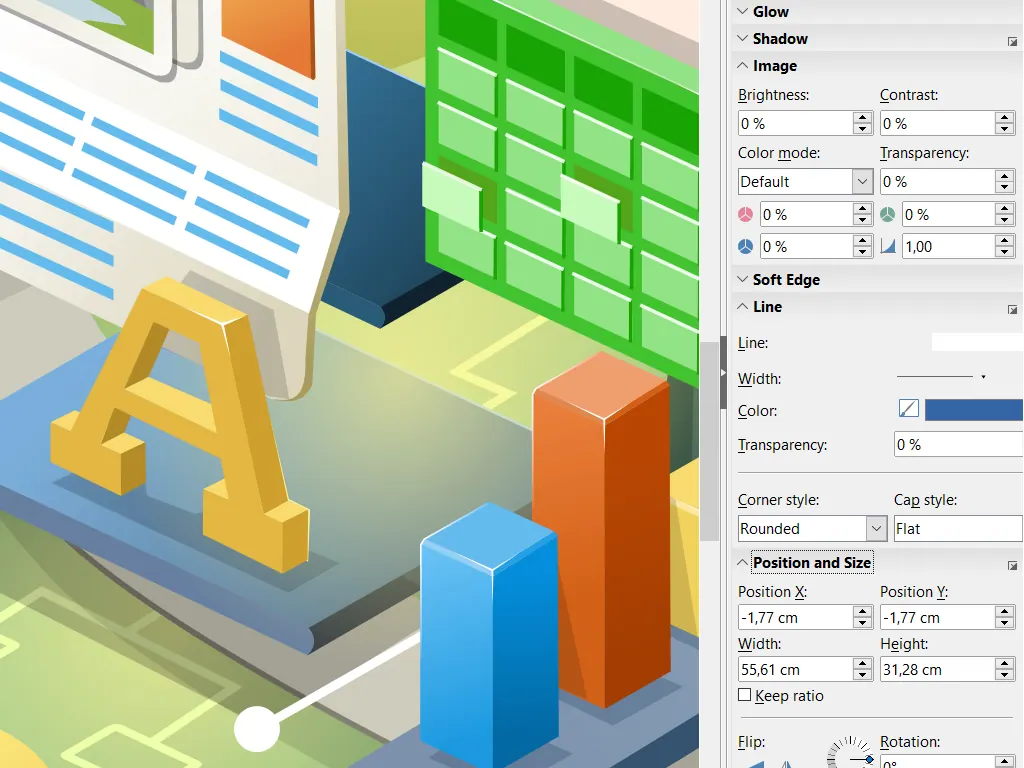
LibreOffice Draw — official interface example
The Document Foundation · Source · CC BY-SA 3.0
By LibreOffice - The Document Foundation ·
Playing loads YouTube. YouTube will receive your IP address and device information.
Converting a PDF sounds like one job but is really several: PDF to Word, Excel, images, or the reverse. Quality depends far more on the source file than on the tool. A PDF exported from Word converts back cleanly almost everywhere, while a scan is just a picture and needs OCR, which is where free plans usually run out of allowance. So start by checking whether you can select the text in your PDF; if you cannot, look for a tool that states OCR in its free tier. Online converters such as PDF24, iLovePDF, Sejda and Smallpdf need no install but upload your file to a server and cap the number of tasks, so keep sensitive documents off them. PDFgear and Stirling PDF run on your own machine or server and add OCR, which makes them the pick for contracts and statements. LibreOffice is the quiet option: Draw opens PDFs and Writer exports to many formats, at the cost of layouts that sometimes shift. Expect to tidy tables and fonts after any conversion, and always keep the original. The seven tools below can all convert at no charge, and each entry names the free limit that applies.
Online tools stated as 100% free with no usage limit or paid plan on the page, plus a desktop version. The simplest route for a one-off conversion, though files travel through its servers.
Price: Free (Online PDF tools described on the page as 100% free; no paid plan or usage limit stated) (PDF24 Tools pricing, checked 2026-10-23).
Platforms and license: Web browser, Windows. Proprietary freeware.
Best for: One-off conversions with no sign-up.
Free Basic plan has per-task batch limits and no AI credits. Converts PDF to and from Office formats; Premium costs $5 a month billed annually.
Price: Free (Basic free plan: limited tools; batch limits per task such as 25 merges and 2 compressions; 100 MB merge file size; no AI credits; web only); paid from $5 per Premium, per month billed annually (US$60 per year; US$9 billed monthly) (iLovePDF pricing, checked 2026-10-23).
Platforms and license: Web browser. Proprietary SaaS.
Best for: Common Office conversions.
Free web service allows 3 tasks per hour on files up to 50 MB and 200 pages, no signup. Good for a few documents; heavy users need a paid plan.
Price: Free (Free web service: 3 tasks per hour, documents up to 200 pages and 50 MB (tool pages quote 50 or 100 MB); no signup); paid from $63 per user/year (Desktop+Web annual); Web Week Pass is a one-time US$5 for 7 days (Sejda pricing, checked 2026-10-23).
Platforms and license: Windows, Web browser. Proprietary SaaS.
Best for: Occasional jobs with files under 50 MB.
Free plan includes a daily task cap; check the pricing page for the current size. The interface is the easiest here for first-time users.
Price: Free (Free plan with a daily cap on tasks; the number was not readable on the pricing page (third-party listings say 2 a day, the App Store listing says 1)) (Smallpdf pricing, checked 2026-10-23).
Platforms and license: Web browser, Windows, macOS, iOS, Android. Proprietary SaaS.
Best for: Beginners converting one file a day.
Free desktop and web app with conversion between PDF and Word, Excel, PPT, JPG and TXT, plus OCR in 30+ languages. No limits or watermark are stated on the page.
Price: Free (Page says completely free with no sign-up; it states no usage limits, watermark or paid plan) (PDFgear pricing, checked 2026-10-23).
Platforms and license: Windows, macOS, iOS, Android, Web browser. Proprietary freeware.
Best for: Scanned documents and offline use.
Open-source and self-hostable, with convert and OCR among its 60+ tools; the Free plan includes 1,000 monthly credits. Needs more setup than a website.
Price: Free (Free plan at $0 with no card: web, desktop and self-hosted use, 60+ PDF tools and 1,000 monthly credits); paid from $99 per month (Team, 100 users) (Stirling PDF pricing, checked 2026-10-23).
Platforms and license: Web browser, Desktop app, Self-hosted (Docker). MIT, with some directories under separate licenses (open source).
Project activity: 95.2k GitHub stars · latest release v3.2.2 (Oct 24, 2026) · last commit Oct 27, 2026
Best for: Confidential files and bulk jobs.
Worth knowing: LICENSE file says MIT except app/proprietary and other directories with their own licenses. Repository README lists edit, merge, split, sign, redact, convert, OCR and compress.
Free MPL-2.0 suite whose Draw opens PDFs and Writer, Calc and Impress export many formats, including PDF. Complex layouts may shift on import.
Price: Free (download and use at no cost per its site) (LibreOffice pricing, checked 2026-10-22).
Platforms and license: Windows, macOS, Linux. MPL-2.0 (open source).
Best for: Converting without any upload.
Worth knowing: Desktop suite of Writer, Calc, Impress, Draw, Base and Math; it has no built-in cloud storage or email.
Docs-only for PDF24 Tools, iLovePDF, Sejda, Smallpdf, PDFgear, Stirling PDF, LibreOffice: we did not install or run them, so feature claims come from vendor pages. Vendor prices and free limits change; confirm on the linked pricing page before you commit.
Kevin Fan is a SaaS founder. He runs Free Instead Of, which tracks free and open-source alternatives to paid software and checks each price and free-plan limit against the vendor's own pages.
Based on official pricing, license and product pages checked between 2026-10-22 and 2026-10-23: PDF24 Tools, iLovePDF, Sejda, Smallpdf, PDFgear, Stirling PDF, LibreOffice. Prices, free limits and licenses are the figures shown on those pages on those dates. No tool on this page was installed or run. No accounts were created.